
Contact management software for every buyer
Contact management software that keeps one record for each buyer, decision-maker and site contact — with their company, owner, deals, conversations and consent on the same page, duplicates caught before they multiply, and privacy requests handled from the record itself.
- One record per person, not three
- Consent kept per channel, with evidence
- Duplicates found and merged field by field


- custom field types for what your team tracks
- 9
- consent channels on every contact: email, SMS and WhatsApp
- 3
- duplicate score when both email and phone match
- 100
Everything a contact carries
- Name & titleFirst and last name, job title and timezone
- Email & phoneAt least one of the two, and never a copy of another
- CompanyThe business they work for, one link per contact
- OwnerThe rep responsible for the relationship
- Lifecycle & tagsActive, New or Inactive, plus your own tags
- ConsentEmail, SMS and WhatsApp permission, with evidence
The same buyer saved four different ways
One rep saves “Priya S” on their phone, another types her into a spreadsheet with an old email, and a third adds her again from a trade show list. When she calls, nobody can tell which record is right or what she was last promised.
Nobody knows who asked not to be messaged
A customer says “please stop sending WhatsApp offers” to one salesperson. The note never reaches the marketing list, the next campaign goes out, and an unhappy customer becomes a formal complaint.
Context lost the day a rep leaves
Calls, emails, quotes and follow-ups sit in one person’s inbox and phone. When they move on, the relationship starts from zero and the buyer has to explain everything again.
A contact directory that stays fast as it grows
Search, sorting and filters run on the server, so the list stays quick with thousands of contacts. Filter by lifecycle, owner, tags or whether a contact has a company, and each row shows their company and whether they can be reached by email, SMS or WhatsApp. Save the views your team uses and pick the columns that matter.
- Search and sort across every contact in the workspace
- Filter by lifecycle, owner, tags or has a company
- Saved views and a column picker for each team
- Bulk assign owner, change lifecycle, add a tag, add to a segment or export

The whole relationship on one page
Open a contact and see their company, the leads they came from and the deals they are part of in one strip across the top. Below it sits the timeline of what has happened, their emails, SMS and WhatsApp threads, their follow-ups, and the files shared with them, each showing its virus-scan result.
- Company, source leads and deals side by side
- A timeline of calls, notes, changes and messages
- Email, SMS and WhatsApp threads on the record
- Files with their virus-scan status, and open follow-ups

Duplicates stopped at the door, and found in the list
A new contact can’t be created with an email or phone number another contact already uses. For records that arrived before that, the duplicates desk compares exact email addresses and phone numbers, digits only, across the whole workspace. Each pair gets a score and can be merged or dismissed.
- New contacts blocked if the email or phone is already in use
- Exact email and digits-only phone matching
- Scores of 100 for both, 96 for email and 88 for phone
- Merge a pair, or dismiss it so it stops coming back

Merge two records without losing the history
Put two contacts side by side and choose the value to keep for name, email, phone, title, owner, lifecycle and tags. Company links, deals, lead links, custom field values, activities, follow-ups and conversation threads move to the contact you keep, the duplicate is removed, and the merge is written to the audit log.
- Pick the winning value for each field
- Deals, lead links and company links move across
- Activities, follow-ups and conversation threads come too
- Every merge recorded in the audit log


Consent your team can prove, channel by channel
Each contact carries a consent record for email, SMS and WhatsApp, with the purpose, the evidence and the policy version it was given under. Switch on Do not contact and their email address and phone number are suppressed across email, SMS and WhatsApp, including automations and segment sends. A signed link takes the contact to a preferences page where they can opt out themselves.
- Per-channel consent with purpose, evidence and policy version
- Do not contact suppresses email, SMS and WhatsApp
- Applies to automations and segment sends, not only manual messages
- A signed preferences and unsubscribe page for the contact

Record what your business needs to know
Every contact has a first and last name, email, phone, title, timezone, owner, tags and a lifecycle status of Active, New or Inactive, and needs at least an email or a phone number. Add your own fields on top for the details your sales process depends on, from a budget range to a preferred visit date.
- Text, multi-line text, number and date fields
- Select, checkbox, URL, email and phone fields
- An email or phone number required on every contact
- Lifecycle status of Active, New or Inactive
Bring your lists in, take your data out
Upload a CSV and DigiPix Flow recognises common column names, skips rows whose email already belongs to a contact, and reads consent columns so permission arrives with the person. A company column creates the company if it doesn’t exist yet and links the contact to it. When you need the data elsewhere, export contacts as CSV, XLSX or JSON.
- Common column names matched for you
- Rows with an existing email skipped, not duplicated
- Consent columns and a company column understood
- Export as CSV, XLSX or JSON
Privacy requests handled from the record
When someone asks what you hold about them, or asks to be forgotten, raise the request from their contact page. Access requests produce a download of their data; erasure and anonymise requests go to an approver, who approves or rejects them, so nothing is removed on one person’s say-so.
- Erasure, anonymise and access requests
- Raised straight from the contact
- Access requests produce a downloadable copy
- Each request approved or rejected by an approver


From a scattered list to clean records, in five steps
- STEP 01
Bring contacts in
Import a CSV, or add people by hand on the web or in the mobile app.
- STEP 02
Find the duplicates
Exact email and phone matches are scored and queued on the duplicates desk.
- STEP 03
Merge field by field
Keep the right value for each field and move the history onto one record.
- STEP 04
Record consent
Keep email, SMS and WhatsApp permission with its evidence, and honour Do not contact.
- STEP 05
Link and work the relationship
Connect the contact to their company and deals, and follow up from one page.
Contacts in a CRM vs spreadsheets and phone contacts
| What it covers | Spreadsheets and phone contacts |  DigiPix Flow DigiPix Flow |
|---|---|---|
| Where contacts are kept | Personal phones, spreadsheets and email address books | One shared record per person, with an owner |
| Duplicates | Found when a buyer gets two calls | Blocked on create, scored and merged on the duplicates desk |
| History of the relationship | In whichever inbox or phone it happened on | Timeline, threads, deals and follow-ups on the contact |
| Permission to message | A note, if anyone wrote it down | Per-channel consent with purpose, evidence and policy version |
| Someone asks to stop | The next campaign reaches them anyway | Do not contact suppresses email, SMS and WhatsApp everywhere |
| Moving data in and out | Copy, paste and tidy by hand | CSV import with duplicate skipping; CSV, XLSX or JSON export |
| A request to see or erase data | Searched for across every file | Access, erasure and anonymise requests raised from the record |
Where your contacts come in and talk back
Bring existing contact lists in with CSV import, and keep each contact’s WhatsApp conversations on their record through WhatsApp Business — with their WhatsApp consent checked before anything is sent.
Contact questions, answered
What does a contact record hold?
First and last name, email, phone, job title, timezone, owner, tags and a lifecycle status of Active, New or Inactive, plus any custom fields you add. Every contact needs at least an email address or a phone number.
Can a contact belong to a company?
Yes. A contact is linked to the company they work for, and the company appears in the contact list and at the top of their record. Each contact is linked to one company at a time.
How does DigiPix Flow find duplicate contacts?
It compares exact email addresses and phone numbers, with phones reduced to digits so formatting differences don’t hide a match. A pair scores 100 when both match, 96 when the email matches and 88 when the phone matches. Creating a new contact with an email or phone that is already in use is blocked.
What happens when I merge two contacts?
You choose which value to keep for name, email, phone, title, owner, lifecycle and tags. Company links, deals, lead links, custom field values, activities, follow-ups and conversation threads move to the contact you keep, the other record is removed, and the merge is recorded in the audit log. Check the choices carefully before you confirm.
How is consent recorded?
Each contact has a consent record for email, SMS and WhatsApp, holding the purpose, the evidence and the policy version it was given under, so you can show when and why a person agreed to hear from you on that channel.
What does Do not contact do?
It suppresses the contact’s email address and phone number across email, SMS and WhatsApp. That covers messages your team sends by hand as well as automations and segment sends. The contact can also opt out themselves from a signed preferences page.
Can I import my existing contacts?
Yes. Upload a CSV and common column names are matched automatically. Rows whose email already belongs to a contact are skipped, consent columns are read, and a company column creates and links the company. You can export contacts as CSV, XLSX or JSON at any time.
How do we handle a request to erase someone’s data?
Raise an erasure, anonymise or access request from the contact’s page. An approver approves or rejects it, and access requests produce a copy of the person’s data you can download and send to them.
Can my team manage contacts on their phones?
Yes. The mobile app has the contact list and contact details, lets reps create and edit contacts, and includes the duplicates review so a pair can be merged or dismissed away from the desk.
Something we haven't covered? Talk to an expert
Keep exploring
Visit the blog- FEATURESAccount management for companiesThe businesses your contacts work for, with their people and deals together.Explore the feature
- PRODUCTEvery lead in one inboxLeads captured, checked for duplicates and routed before they become contacts.See how it works
- PRODUCTA pipeline you can trustDeals linked to the people buying, with stage rules and approvals.See how it works
- PRODUCTFollow-ups that never slipEvery next call and message scheduled on the contact it belongs to.See how it works
- FEATURESThe shared inboxEmail, SMS and WhatsApp conversations with each contact in one place.Explore features
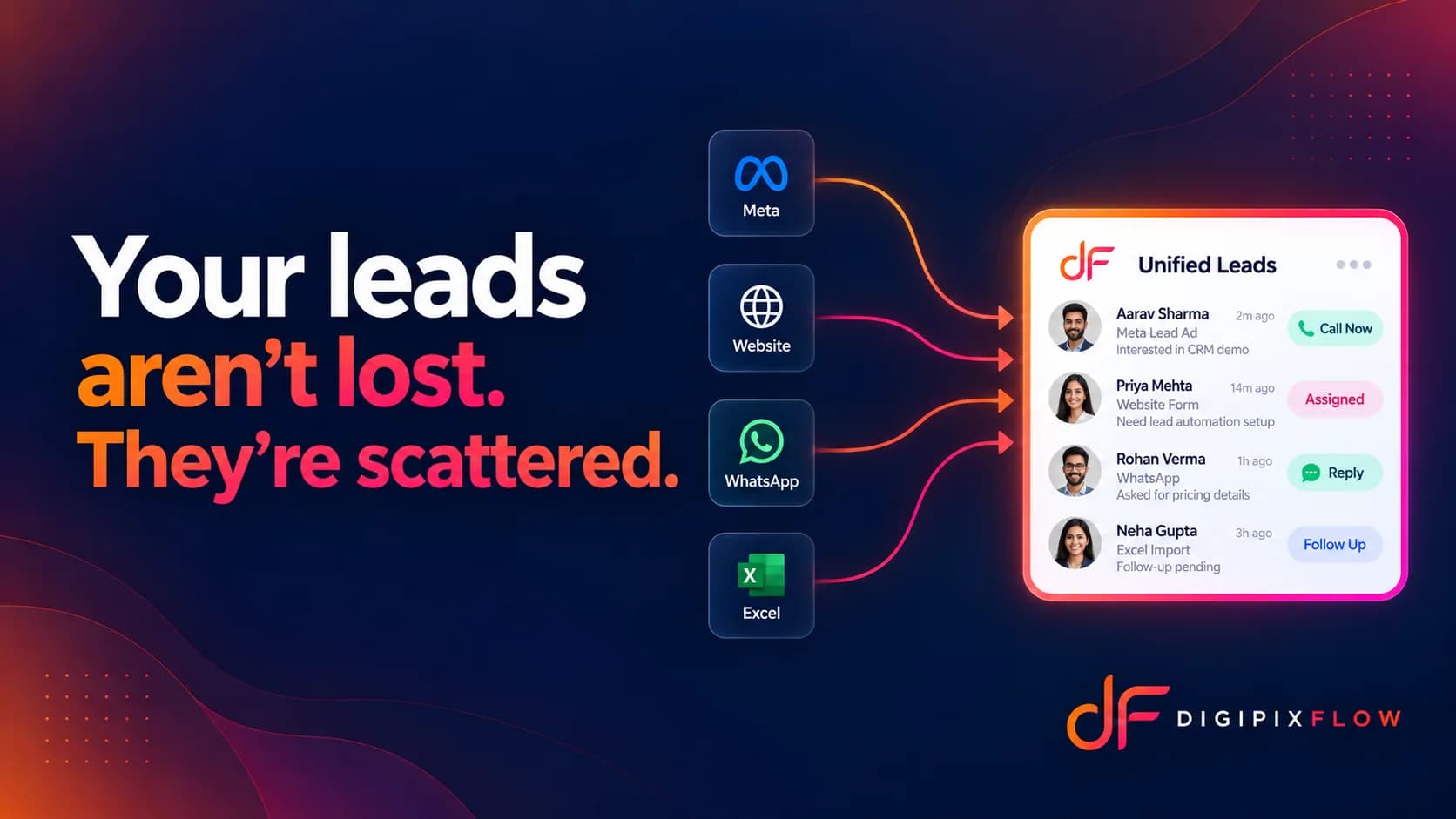 ARTICLEYour Leads Are Not Lost, They Are Just ScatteredWhy buyer details end up in five places, and how to bring them back together.Read the article
 GUIDESales Pipeline Stages: How to Define Them, with Exit Criteria and ExamplesHow to define sales pipeline stages your team uses the same way, with exit criteria for each stage and example pipelines for real estate, coaching, agencies and B2B trading.Read the guide

Know every buyer, and what they agreed to
Talk to an expert — bring a sample of your contact list and see it imported, checked for duplicates and ready to work.
- A real person, not a bot
- Bring a sample of your list
- See your duplicates cleaned up