
A WhatsApp CRM, with SMS, your team can stand behind
A WhatsApp CRM with SMS built in: two-way WhatsApp and text conversations kept on the customer's record, templates approved before they go out, India's DLT rules checked on every SMS, and every opt-out honoured — so the messages your team sends are ones you'd be happy to see on a screenshot.
- Every chat on the record it belongs to
- Templates and DLT checked before sending
- STOP means stop, on both channels


- WhatsApp reply window after a customer's last message
- 24h
- IST window for promotional SMS
- 10:00–21:00
- DLT template categories the registry understands
- 4
What every WhatsApp and SMS conversation runs on
- WhatsApp Business numberYour own number, connected once for the workspace
- Approved templatesWritten here, reviewed by Meta, status kept in step
- SMS connectionText messages out, replies back into the thread
- DLT registryEntity ID, headers and template IDs for India
- Consent & opt-outsPer channel, with STOP and do-not-contact
- Sequences & campaignsAutomated steps that follow the same rules
Customer chats trapped on personal phones
Quotes, photos and promises sit in a rep's own WhatsApp. When that rep is on leave or moves on, the conversation goes with them, and the next person to call the customer starts from nothing.
Text messages that never arrive
In India, an SMS whose wording doesn't match a registered DLT template is dropped by the operator. Teams find out weeks later, when customers say they never received the reminder or the offer.
Opt-outs nobody wrote down
A customer replies STOP, but the next campaign goes to the same number anyway because the list lives in a spreadsheet. One annoyed buyer becomes a complaint, and your sender reputation pays for it.
WhatsApp conversations that belong to the business
Connect your WhatsApp Business number once and every conversation runs through it, linked to the lead, contact, company, deal or client it's about. Customers' photos and documents are saved to the thread, each message shows whether it was sent, delivered or read, and the whole history stays with the record when the owner changes.
- Two-way threads on your connected business number
- Linked to the lead, contact, company, deal or client
- Sent, delivered and read status on each message
- Photos and documents from customers saved to the thread
 Kavya Iyer
WhatsApp template messages, written here and approved by Meta
Create a WhatsApp template without leaving DigiPix Flow: choose Marketing, Utility or Authentication, pick the language, and write a header, body and footer with numbered fields and example values. The template is checked against Meta's rules before it's submitted, so mistakes are named plainly, and its approval status is kept in step with Meta afterwards.
- Marketing, Utility and Authentication categories
- Numbered fields with example values for review
- Meta's rules checked before anything is submitted
- Approved, pending, rejected and paused status kept in step
Text conversations with a clear status
Send a text from any record and the customer's reply comes back into the same thread. Numbers are checked before sending, the composer counts message parts as you type, and a text sent without a record is matched to the contact or lead holding that number. Each message shows whether it was sent, delivered or failed, and why it failed, so it can be fixed and retried.
- Two-way threads, with replies back in the same conversation
- Phone numbers checked, and message parts counted as you type
- Reusable SMS templates with named fields
- Delivery status and the reason a message failed
DLT rules checked before the operator checks them
Add your principal entity ID and the templates you registered on your DLT portal: the template ID, the six-character sender header, the category and the approved wording. When a rep picks a template, the message must match it before it can be queued. Texts to Indian numbers are matched against your active templates, and you can refuse any that match none, so nothing goes out that an operator would drop.
- Principal entity ID, sender headers and template IDs
- Transactional, service and promotional categories
- Every variable checked against the 30-character limit
- Optional refusal of texts that match no registered template
Consent on every channel, and opt-outs that stick
Sales and marketing messages need the customer's consent for that channel, and the thread shows where it stands. When a rep hears a customer agree, they can record it with their attestation as the evidence. A reply of STOP, UNSUBSCRIBE or a similar word withdraws consent on SMS and WhatsApp alike. The number joins your do-not-contact list, and START or UNSTOP by text undoes only what that STOP changed.
- Consent per channel, shown on the thread
- Consent recorded from the conversation, with evidence
- STOP and similar replies honoured on SMS and WhatsApp
- A do-not-contact list checked before every send
Messages that respect the clock
A message your rep types by hand goes out when they press send. Automated messages wait out your workspace's quiet hours, 21:00 to 08:00 unless you change them. Promotional SMS under a DLT template are held outside 10:00 to 21:00 IST and sent when the window opens. Anyone can also schedule a message for a time that suits the customer.
- Hand-typed messages sent when the rep presses send
- Automated messages held through quiet hours
- Promotional SMS held until 10:00 IST
- Schedule a message for later from the composer
Sequences and campaigns on the same rules
Add SMS and WhatsApp steps to a sequence, use a workflow to send an SMS, or message a segment of leads or contacts on one channel. Before a campaign goes, the preview shows how many members can receive it: consented on that channel, with a number to reach. Merge fields are filled in for each member, and every automated message passes the same consent, opt-out and DLT checks as a hand-typed one.
- SMS and WhatsApp steps in sequences
- A Send SMS action in workflows
- Segment campaigns of up to 500 members per channel
- A count of who can receive it, before anything is sent
From a connected number to automated outreach, in five steps
- STEP 01
Connect
Connect your WhatsApp Business number and SMS, and add your DLT entity ID if you text Indian numbers.
- STEP 02
Set up templates
Write WhatsApp templates for Meta's review and register your DLT-approved SMS templates.
- STEP 03
Record consent
Capture consent per channel, and let STOP replies and your do-not-contact list do the rest.
- STEP 04
Message from the record
Reply by WhatsApp or SMS from the lead, contact or deal, with status on every message.
- STEP 05
Automate the repeats
Put the same messages into sequences, workflows and segment campaigns, under the same rules.
WhatsApp and SMS in a CRM vs personal phones and a texting portal
| What it covers | Personal phones and a separate texting portal |  DigiPix Flow DigiPix Flow |
|---|---|---|
| Where conversations are kept | On each rep's own phone | On the customer's record, shared with the team |
| Messaging after 24 hours | Messages refused, and nobody knows why | A banner, and an approved template when it's needed |
| DLT template matching | Found out when texts go missing | Checked against your registry before sending |
| Opt-outs | Copied into a spreadsheet, when someone remembers | STOP withdraws consent on SMS and WhatsApp |
| Promotional timing | Sent whenever the portal is opened | Held outside 10:00–21:00 IST |
| Delivery | No idea whether it arrived | Sent, delivered, read or failed, with a reason |
| Handover | The chat history leaves with the rep | The next owner sees every message |
The connections your messages go through
WhatsApp messages go out through your connected WhatsApp Business number, and text messages through the SMS connection your workspace uses. Replies and delivery updates come back into the same threads.
WhatsApp and SMS questions, answered
Do I need a WhatsApp Business account?
Yes. DigiPix Flow sends and receives WhatsApp messages through a WhatsApp Business number connected to your workspace. Until a number is connected, the WhatsApp page shows a prompt to connect one rather than letting messages fail.
What happens after the 24-hour WhatsApp window closes?
WhatsApp only allows free-form messages for 24 hours after the customer's last message. Once that window closes, the composer asks for an approved template and its fields. When the customer writes back, the window opens again. Your workspace can also choose to send templates only.
Can we create WhatsApp templates inside DigiPix Flow?
Yes. Choose a category and language, write the header, body and footer with numbered fields and example values, and submit. DigiPix Flow checks Meta's rules first, sends the template for review and keeps its status in step, so your team can see which templates are approved and ready to use.
Can we send files on WhatsApp?
Yes, one file per message: an image, video, audio clip, PDF, Office file or text document. The type and size are checked before the message is queued, so an oversized file is caught straight away. A template message is sent without a file, and photos and documents customers send are saved to the thread.
How does DigiPix Flow handle DLT for SMS in India?
Add your principal entity ID and register the templates approved on your DLT portal, with their template IDs, sender headers, categories and wording. A message sent under a template must match its wording, and texts to Indian numbers are matched against your active templates. You can also refuse any SMS that matches none.
When are promotional text messages sent?
A promotional SMS is sent between 10:00 and 21:00 IST. One queued outside that window is held and goes out when the window opens. Transactional and service messages aren't held by this rule.
What happens when a customer replies STOP?
STOP, UNSUBSCRIBE and similar replies, on SMS or on WhatsApp, withdraw the customer's consent for that channel and add their number to your do-not-contact list, so later sales and marketing messages are blocked. If they text START or UNSTOP, only what the STOP changed is undone. Consent withdrawn some other way stays withdrawn.
Will messages go out at night?
Automated messages from sequences, workflows and campaigns wait out your workspace's quiet hours, which run from 21:00 to 08:00 by default. A message a rep types and sends by hand goes out when they press send, because they've chosen to send it.
Can we message a whole segment at once?
Yes. Choose a segment of leads or contacts, a channel and your message. The preview shows how many members can receive it, meaning they have consent on that channel and a number to reach, and members without consent are skipped. Each campaign reaches up to 500 members that you're allowed to see.
Something we haven't covered? Talk to an expert
Keep exploring
Visit the blog- RESOURCEHubSpot CRM alternative for IndiaWhatsApp, SMS with DLT and INR billing compared, checked against HubSpot's public site.Learn more
- FEATURESShared team inboxEmail, SMS and WhatsApp conversations in one shared inbox.Explore the feature
- FEATURESSales email from your own domainSending, tracking and replying to email from the record.Explore the feature
- PRODUCTFollow-ups that never slipWhatsApp and SMS follow-ups scheduled, reminded and escalated.See how it works
- FEATURESSales sequences and campaignsMulti-step outreach across email, SMS and WhatsApp.Explore the feature
- INTEGRATIONSWhatsApp Business integrationWhat connecting your WhatsApp number brings into DigiPix Flow.See the integration
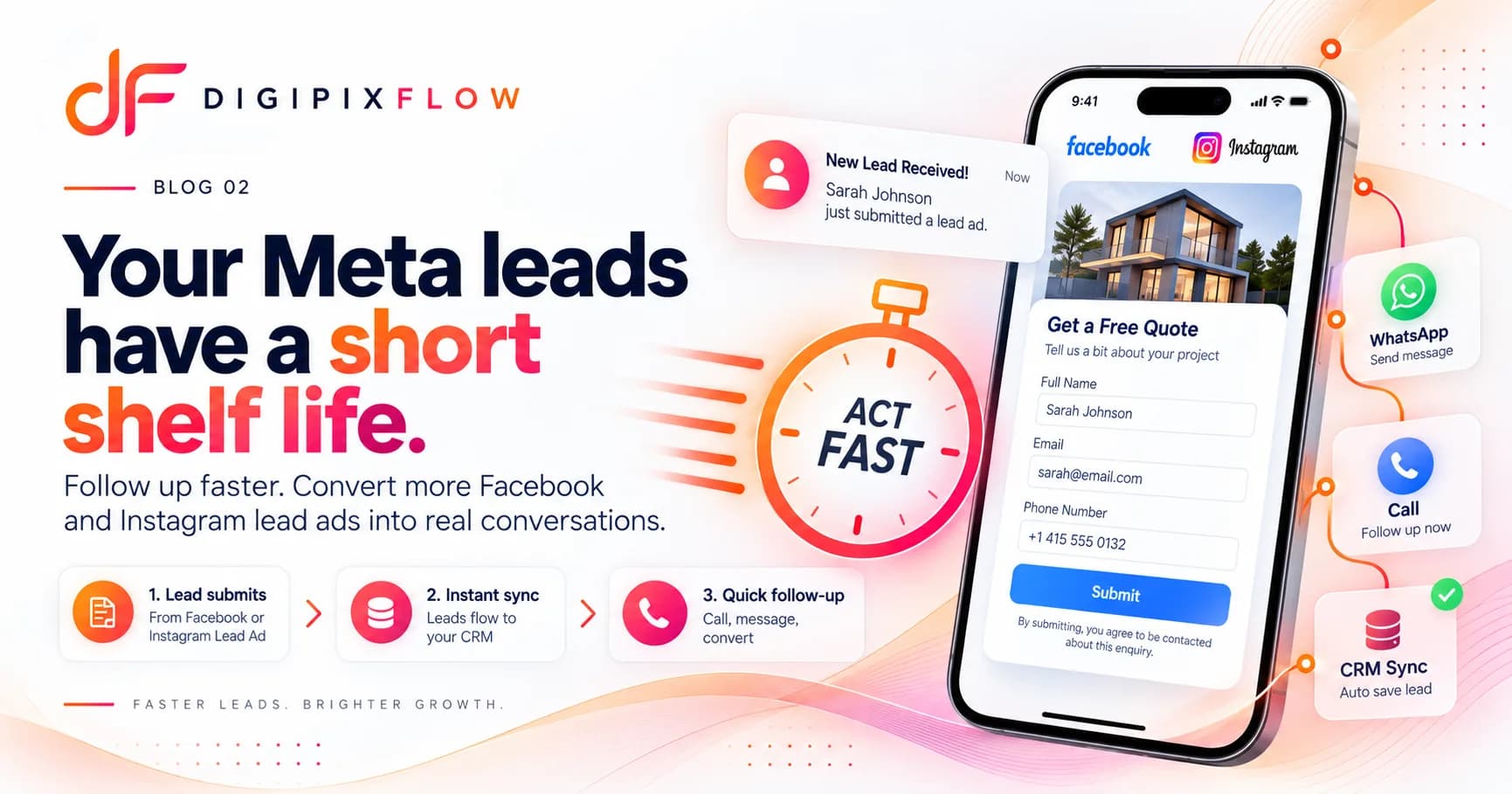 GUIDEHow to Follow Up on Facebook and Instagram Lead Ads Before They Go ColdA seven-step follow-up process, a two-week cadence and scripts you can use today.Read the guide
 GUIDEDLT Registration for SMS in India: Entity, Header and Template StepsA plain guide to DLT registration for SMS in India: what TRAI's rules require, how to register your entity, sender headers and templates, why templates get rejected and what it means for sending from a CRM.Read the guide

Keep every customer message on the record
Talk to an expert — bring your WhatsApp number, your templates and your DLT details, and see a conversation from first message to opt-out.
- A real person, not a bot
- Bring your templates and DLT IDs
- See a conversation end to end