
Sales sequences that stop when they answer
Sales sequences over email, WhatsApp and SMS that wait the hours you set between steps, end when a lead or contact genuinely replies and check consent again before every text — plus one-off campaigns to a segment that show exactly who can receive them before anything goes out.
- Email, WhatsApp and SMS steps
- Ends on a genuine reply
- Consent checked before every text


- step channels: email, WhatsApp and SMS
- 3
- members at most in one segment campaign
- 500
- workflow triggers that can send email or SMS
- 10
What every sequence and campaign draws on
- TemplatesPublished email, WhatsApp and SMS wording
- Leads & contactsThe people a sequence can enrol
- SegmentsLead or contact audiences for campaigns
- ConsentGranted per channel before any text goes out
- ConversationsReplies that bring a sequence to a halt
- WorkflowsTriggers that send an email or SMS
Chasers sent after the customer already said yes
A buyer answers your first email on Tuesday, but the reminder list doesn't know. On Thursday they receive a cheerful 'just checking in' message, and it looks as though nobody at your company read their reply.
A follow-up plan that lives on one rep's phone
The three-touch plan for new enquiries is a set of phone alarms belonging to one person. When they're busy, the second message goes out a week late; when they leave, the plan leaves with them.
Campaigns sent to everyone on an exported list
Someone downloads a list and messages all of it — including people who never agreed to texts and people who asked to be left alone. The complaints arrive, and the next campaign is harder to send.
Automated follow-up sequences, written once as steps
A sequence is an ordered list of steps. Each step picks a channel — email, WhatsApp or SMS — a published template for that channel, and how many hours to wait before it goes out. Build the plan your best rep already follows: a thank-you email straight away, a WhatsApp message 48 hours later, a text reminder 72 hours after that. Everyone you enrol then gets the same plan on the same timings.
- Email, WhatsApp and SMS steps in one sequence
- A published template chosen for every step
- A wait in hours before each step
- Steps sent in the order you set them
Enrol the right people, and see who couldn't be
Choose a sequence, say whether you're enrolling leads or contacts, and add the records you want in — one or dozens at a time. You can only enrol people you're allowed to see. Anyone already in that sequence isn't added twice, and when the sequence has WhatsApp or SMS steps, anyone without granted consent on those channels is held back. The result names all three groups, so nobody is dropped without a trace.
- Leads or contacts enrolled into an active or paused sequence
- People already in the sequence never added twice
- WhatsApp and SMS consent checked before anyone joins
- A result showing enrolled, already enrolled and consent-blocked
 Priya Sharma
 Rahul Kumar
 Neha Patil
Every enrolment, with its step and next send
Open a sequence's enrolments to see where each person stands — active, completed, stopped or failed — the step they've reached and when the next message is due. If a rep closes the sale on a call, stop that one enrolment and the sequence carries on for everyone else. Pause the whole sequence and nothing more goes out until you resume it. Deleting a sequence retires it and stops every enrolment still in progress.
- Active, completed, stopped and failed enrolments
- The current step and when the next one is due
- Stop one person, or pause the whole sequence
- Deleting retires a sequence and stops its enrolments

A real reply ends the sequence
With Stop on reply switched on — and it starts on for every new sequence — a lead or contact who writes back is taken out before their next step goes out. Only replies received after they were enrolled count, so an old conversation never blocks a new sequence. Out-of-office auto-replies, bounces and spam aren't treated as replies, so a holiday message doesn't end the plan early.
- Stop on reply, on by default for new sequences
- Checked before every step is sent
- Only replies since enrolment count
- Out-of-office messages, bounces and spam ignored

Consent and opt-outs checked at every step
Consent can change between the day someone is enrolled and the day their third step is due, so it's checked again before every WhatsApp and SMS step; if it has been withdrawn, the enrolment stops. Every step, email included, is checked against your do-not-contact list and recorded opt-outs. Sequence messages count as marketing, so they wait out your marketing quiet hours and respect each person's daily and weekly message caps.
- Consent checked again before each WhatsApp and SMS step
- Do-not-contact list and opt-outs checked on every step
- Marketing quiet hours and per-recipient caps respected
- SMS steps sent under a published template and its DLT ID
One message to a segment, only to people who agreed
For a one-off announcement, send an email, WhatsApp message or SMS to a segment of leads or contacts. Before you send, a count shows how many members can receive it on that channel — consented, with an email address or phone number — out of the whole audience, and you tick a box to confirm the rest will be skipped. Each campaign reaches up to 500 members, limited to the records you can see.
- Email, WhatsApp or SMS to a lead or contact segment
- Who can receive it, counted before you send
- Only members with consent on that channel
- Up to 500 members you're allowed to see
Personal texts, and a clear record of what went out
An SMS campaign fills in each member's first name, last name, full name and, for leads, company name before sending. Pick the DLT template the message is registered under, and any member whose text doesn't match it is skipped, with the reason counted. Afterwards you see how many messages were sent, skipped and errored, each message sits in that member's conversation, and an audit entry records the campaign.
- Merge fields filled in for each SMS member
- A DLT template picked for the whole campaign
- Sent, skipped and error counts, with skip reasons
- An audit entry for every campaign sent

Send an email or text when something happens
Some messages belong to a moment rather than a plan. A workflow starts on one of ten triggers — a lead created, updated or turning hot; a deal changing stage, won, lost or reopened; a client created; a handover accepted; or a record added to a segment — and can send an email or SMS beside actions such as notifying the owner or creating a task. Every run keeps a step-by-step trace, and a failed step can be retried.
- Ten triggers across leads, deals, clients and segments
- Send email and Send SMS actions
- Do-not-contact list and opt-outs checked first
- A trace for every run, with retry for failed steps
From a follow-up plan to steps that send themselves, in five steps
- STEP 01
Write the templates
Publish the email, WhatsApp and SMS templates your steps will use, with DLT IDs for texts.
- STEP 02
Build the sequence
Put the steps in order, set the hours to wait before each, and leave Stop on reply on.
- STEP 03
Enrol people
Add leads or contacts; anyone without the consent the steps need is held back and named.
- STEP 04
Let the steps go out
Each step is sent on time, with consent, opt-outs and quiet hours checked first.
- STEP 05
Review who finished
Replies end enrolments, and the list shows who completed, stopped or failed.
Sequences in a CRM vs reminder spreadsheets and messages sent by hand
| What it covers | Reminder spreadsheets and messages sent by hand |  DigiPix Flow DigiPix Flow |
|---|---|---|
| The follow-up plan | A note in each rep's head or phone | Ordered email, WhatsApp and SMS steps |
| Timing between messages | Whenever someone remembers | A wait in hours before every step |
| When the customer replies | The next reminder goes out anyway | The enrolment ends before the next step |
| Consent for texts | Assumed because they're on the list | Checked at enrolment and before every text |
| Opt-outs | Copied into a sheet, sometimes | Do-not-contact list checked on every step |
| Campaign audience | Everyone on the exported list | Consented members only, up to 500, counted first |
| What happened | Nobody is sure who received what | Enrolment statuses, campaign counts and an audit entry |
The connection WhatsApp steps go through
WhatsApp steps and campaigns go out through your connected WhatsApp Business number, while email and text messages use the sending your workspace already has set up. Replies come back into the same conversations, which is how a sequence knows to stop.
Sequence and campaign questions, answered
What is a sequence in DigiPix Flow?
A sequence is a set of email, WhatsApp and SMS steps sent in order to each lead or contact you enrol. Every step uses a published template and waits the number of hours you set before going out, so the same follow-up plan runs for everyone without a rep having to remember it.
Who can be enrolled in a sequence?
Leads and contacts. Choose the sequence, pick whether you're enrolling leads or contacts, and add the records. You can only enrol records you're allowed to see, and someone already in the sequence isn't enrolled a second time.
Does a sequence stop when someone replies?
Yes, when Stop on reply is switched on, which it is for new sequences. Before each step, DigiPix Flow looks for a reply from that person received since they were enrolled. Out-of-office auto-replies, bounces and spam aren't treated as replies, so they don't end the sequence.
How is consent handled for WhatsApp and SMS steps?
A sequence with WhatsApp or SMS steps only enrols people with granted marketing consent on those channels; anyone else is listed as consent-blocked. Consent is checked again before each WhatsApp or SMS step, and if it has been withdrawn the enrolment stops. Every step, email included, is also checked against your do-not-contact list.
Will sequence messages go out at night?
Sequence messages are treated as marketing, so they wait out your workspace's marketing quiet hours and go out when the window opens. A sequence can also have a quiet window of its own, and the daily and weekly caps per recipient apply just as they do to other marketing messages.
Can I change a sequence after people are enrolled?
Yes. Rename it, add steps, change templates and waits, or turn its reply rule and quiet window on or off. Removing steps is refused while enrolments are still in progress — stop those first, or add steps instead. Pausing holds every enrolment until you resume, and deleting retires the sequence and stops the enrolments still running.
What happens if a message can't be delivered?
If a step can't be sent at all — the person has no email address or phone number, or the message fails permanently — the enrolment is marked failed rather than moving on as if it had worked. If they're on the do-not-contact list or have opted out, it's marked stopped instead.
How do segment campaigns work?
Choose a segment of leads or contacts, a channel and your message. Before sending, you see how many members can receive it — consented on that channel, with an address or number — and confirm that the rest will be skipped. Each campaign reaches up to 500 members you're allowed to see, and afterwards shows how many messages were sent, skipped and errored.
Can a workflow send messages too?
Yes. A workflow can send an email or an SMS when its trigger fires, such as a lead turning hot or a deal being won, and the do-not-contact list and recorded opt-outs are checked first. Workflow texts are transactional by default; marking one as marketing means it needs the person's SMS consent.
Something we haven't covered? Talk to an expert
Keep exploring
Visit the blog- FEATURESWhatsApp CRM and SMSTemplates, DLT checks and opt-outs behind every chat and text.Explore the feature
- FEATURESSales email from your own domainSending, threads and delivery status for email from the record.Explore the feature
- FEATURESConsent and opt-out managementHow consent is recorded per channel and how opt-outs are honoured.Explore the feature
- PRODUCTFollow-ups that never slipReminders, escalations and callbacks for every next customer touch.See how it works
- PRODUCTEvery lead in one inboxLeads captured, scored and routed before the first message goes out.See how it works
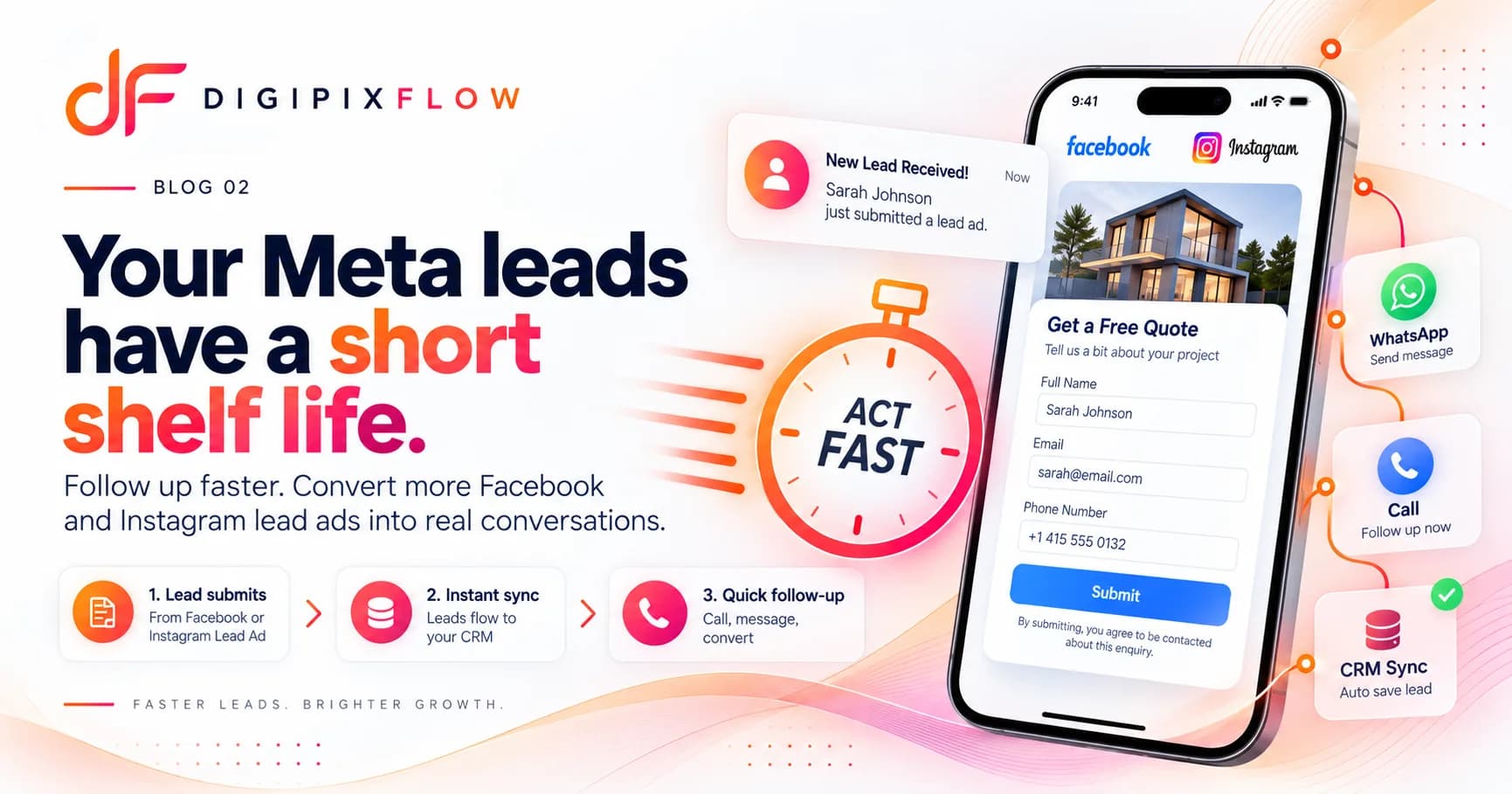 GUIDEHow to Follow Up on Facebook and Instagram Lead Ads Before They Go ColdA seven-step follow-up process, a two-week cadence and scripts you can use today.Read the guide
 GUIDESales Follow-Up Templates: Day-by-Day Email, Call and WhatsApp ScriptsCopy-ready sales follow-up templates for enquiry-led businesses: a 14-day plan with the call script, WhatsApp message and email to send on each day, plus replies for quotes, no-shows and price objections.Read the guide

Follow up on time, and stop when they answer
Talk to an expert — bring the follow-up plan your team runs by hand and see it built as a sequence, with consent and replies handled for you.
- A real person, not a bot
- Bring your follow-up plan
- See it built as a sequence