
CRM for event planners who win the booking before the date is taken
DigiPix Flow is a CRM for event planners, wedding planners and event management companies whose enquiries arrive in a rush every season from Instagram and Facebook ads, Google Ads lead forms and their website. It keeps the event date, city and guest count on each lead, sends weddings and corporate events to the right planner, times the first reply, and turns a quote the client accepts online into a handover for the team that runs the day.
- Event date and guest count on every lead
- Wedding and corporate enquiries to the right planner
- Quotes accepted online, then handed to your ops team


- first-contact clock on every new enquiry
- 30 min
- field types for event date, city and guest count
- 9
- items on the default handover checklist
- 6
Where event enquiries come from
- Meta lead adsWedding and party campaigns
- Google Ads lead formsSearch campaigns for planners
- Website formsPlan-my-event forms on your site
- CSV importWedding expo and past-season lists
- WhatsAppReplies kept on the client's record
- ClientsWon events handed to operations
A December wedding enquiry answered in January
The October campaign brings two hundred enquiries in a fortnight. They sit in Ads Manager, the website inbox and three planners' phones, and the couple with a December date signs with whichever planner replied the same evening.
Event details lost between the call and the quote
The date, the city, the guest count and whether it is a sangeet or a full three-day wedding are written on a notepad during the first call. When another planner prepares the quote, half of it is guessed and the client has to repeat everything.
What was promised never reaches the ops team
The quote went out as a PDF on WhatsApp, the discount was agreed on a call, and the décor changes were in a voice note. When the event is confirmed, the operations team starts from a forwarded chat and finds out what was promised from the client.
Event lead management: every enquiry in one list
Meta lead forms arrive by webhook with a lead source per form, so wedding, birthday and corporate campaigns stay apart. Google Ads lead forms post straight in, and a plan-my-event form works on a hosted page or embedded on your website. Lists from wedding expos come in with a CSV import, and every new lead is checked against existing ones on email and phone.
- A lead source per Meta form, such as Weddings
- Google Ads lead forms in the same list
- Plan-my-event forms on your site or a hosted page
- Possible duplicates flagged for a person to review
Keep the event date, city and guest count on the lead
Add your own lead fields in nine types, such as a date for the event, a number for the guest count and a select for the event type, and show the ones that matter as columns in the lead list. Map the questions on your Meta lead forms to those fields, and the answers arrive with the enquiry, so the planner who calls already knows the date and the size.
- Date, number, select and six other field types
- Your fields shown as columns in the lead list
- Meta form answers mapped into your fields
- Fields of your own on deals and contacts too
Send weddings, parties and corporate events to the right planner
Assignment rules run in the order you set and check a lead's source, tags, score and segment. Send wedding campaign enquiries to your wedding planners, corporate offsites to the corporate desk and birthdays to whoever has the fewest open leads, shared round robin within working hours. A fallback owner catches the rest, and each assignment creates a follow-up task.
- Rules on source, tags, score and segment
- Round robin, weighted, fixed or least-loaded sharing
- Only within each planner's working hours
- A follow-up task created on assignment
Reply to every event enquiry while the date is still free
Each new lead starts two clocks: two minutes to get an owner and thirty minutes for the first contact, which stops when the planner logs a call, message or note. When a clock runs out, the owner is alerted and the enquiry shows as overdue. In season, that is the difference between the couple who hears back tonight and the one who books someone else.
- Two minutes to assign, thirty to make first contact
- Alerts to the owner when a clock is missed
- Overdue enquiries visible to the whole team
- Callbacks booked from the call result


WhatsApp, SMS and email with the client, on one record
Planners write to the client from the lead or deal, and the conversation stays on that record for whoever prepares the quote. WhatsApp goes out from your connected business number, with an approved template once Meta's 24-hour window has closed. SMS to Indian numbers is checked against your DLT templates, and sales and marketing messages need the client's consent for that channel.
- Threads on the lead, contact or deal
- Approved WhatsApp templates after the 24-hour window
- SMS checked against your DLT templates
- A STOP reply adds the number to do-not-contact
Send an event quote the client accepts online
Build the quote on the deal: line items such as décor, catering per plate and photography, each with a quantity and unit price, then one discount and one tax amount for the whole quote. Every revision becomes a new numbered version, and a large discount waits for approval. The client gets a PDF and their own link, and accepts with a typed name or a drawn signature.
- Line items of description, quantity and unit price
- A new numbered version for every revision
- Large discounts approved before sending
- Accepted online, with name, time and version recorded
Follow every event from enquiry to confirmed
Shape stages the way you sell, such as New enquiry, Meeting done, Quote sent, Confirmed and Lost, and set rules a deal must meet before it moves, like a next step booked. A lost event needs a reason, so you learn whether it was price or a clash of dates. Reports show leads by source and open pipeline value by stage, saved, scheduled and exported as CSV.
- Custom stages in one pipeline
- Stage rules, such as a next step booked
- Lost reasons captured on every lost event
- Leads by source and pipeline value by stage
Hand the confirmed event to the team that runs the day
Convert the won deal into a client and prepare a handover for your operations team. A default checklist covers the stakeholders, what was sold, access details, key files, the first 30 days and a customer success owner, with notes alongside, and a separate reviewer accepts it or asks for changes. DigiPix Flow does not run the event itself; the handover makes sure ops knows what was promised.
- A won deal converted into a client
- Six checklist items, five of them required
- A named owner for the client after the sale
- Accepted by a reviewer, or sent back for changes
From an event enquiry to a handed-over booking, in five steps
- STEP 01
Capture the enquiry
Meta, Google Ads, website and expo leads land in one list with their source.
- STEP 02
Route to a planner
Rules send weddings, parties and corporate events to the right person.
- STEP 03
Reply the same day
A thirty-minute clock runs while the planner calls or messages.
- STEP 04
Quote the event
A versioned quote, approved if the discount is large, goes out with a PDF.
- STEP 05
Confirm and hand over
The client accepts online and ops gets a reviewed handover.
DigiPix Flow vs spreadsheets and WhatsApp only
| What it covers | Spreadsheets and WhatsApp only |  DigiPix Flow DigiPix Flow |
|---|---|---|
| Where enquiries land | Ads Manager, a website inbox and planners' phones | One lead list, each lead tagged with its source |
| Event date and guest count | On a notepad from the first call | Your own fields on the lead, filled from Meta forms |
| Who takes a new enquiry | Whichever planner sees it first | The planner your assignment rules choose |
| How fast someone replies | Nobody knows until the client books elsewhere | A thirty-minute first-contact clock with alerts |
| The quote | A PDF on WhatsApp and a discount agreed on a call | A numbered version on the deal, with approvals |
| The client's yes | A message somewhere in a chat | Accepted online, with name, time and version recorded |
| Handing over to operations | A forwarded chat | A client record with a reviewed handover checklist |
The sources and channels an events team connects
Event enquiries arrive from Meta lead ads, Google Ads lead forms and your website, and your planners talk to clients on WhatsApp and email from the same record.
Event planner CRM questions, answered
What is a CRM for event planners?
It is one place where every event enquiry lands, gets an owner and is followed up until the client confirms or says no. In DigiPix Flow that means enquiries from ads and your website in one list, the event date and guest count on the lead, assignment rules that pick the planner, response clocks, WhatsApp and SMS on the record, and quotes accepted online.
Does DigiPix Flow manage vendors, guests or the event day?
No. DigiPix Flow does not book venues or vendors, manage invitations or plan the event day. It manages the sales side: capturing the enquiry, following it up, sending the quote and handing the confirmed event to your operations team, who keep using the tools they already have.
Can I record the event date, city and guest count on each enquiry?
Yes. Add your own lead fields, such as a date, a number and a select for the event type, and show them as columns in the lead list. Answers to those questions on your Meta lead forms can be mapped straight into them. Website forms save into standard fields such as name, phone, source and tags, so add the event details after the first call.
How do I send wedding and corporate enquiries to different planners?
Give each Meta lead form or website form its own lead source, then write assignment rules on source. A rule can share wedding enquiries round robin between your wedding planners and send corporate events to your corporate desk, and a fallback owner catches anything no rule matches.
Can I reply to clients on WhatsApp from DigiPix Flow?
Yes, from your connected WhatsApp Business number. Messages stay on the record that holds the client's number, and after Meta's 24-hour window you send an approved template. WhatsApp messages do not create new leads; enquiries come in through ads, forms, the lead API or a CSV import.
Can a quote include tax and a discount?
Yes. A quote has line items of description, quantity and unit price, then one overall discount amount and one overall tax amount that you enter. DigiPix Flow does not calculate tax per line. A discount above the band you set waits for approval before the quote can be emailed.
How does a client accept an event quote?
They open their own secure link from the email and accept by typing their name or drawing a signature, or decline with a reason. DigiPix Flow records the name, email, IP address, browser, time and version, and alerts the planner, who marks the deal won.
Does DigiPix Flow take advance payments from clients?
No. DigiPix Flow does not collect money or send payment requests. Once the client accepts the quote, your team takes the advance the way it does today, and the planner marks the deal won and hands it over.
Something we haven't covered? Talk to an expert
Keep exploring
Visit the blog- PRODUCTLead capture software for every channelMeta, Google Ads, website and CSV leads in one list, checked and routed.See how it works
- FEATURESCustom fields for event detailsNine field types on leads, deals, contacts and companies.Explore the feature
- FEATURESProposals and online acceptanceVersioned quotes emailed with a PDF and accepted by the client online.Explore the feature
- INTEGRATIONSMeta Lead Ads integrationFacebook and Instagram lead forms with a source per form and mapped answers.See the integration
- FEATURESClient handoverA won deal converted to a client, with a reviewed checklist.Explore the feature
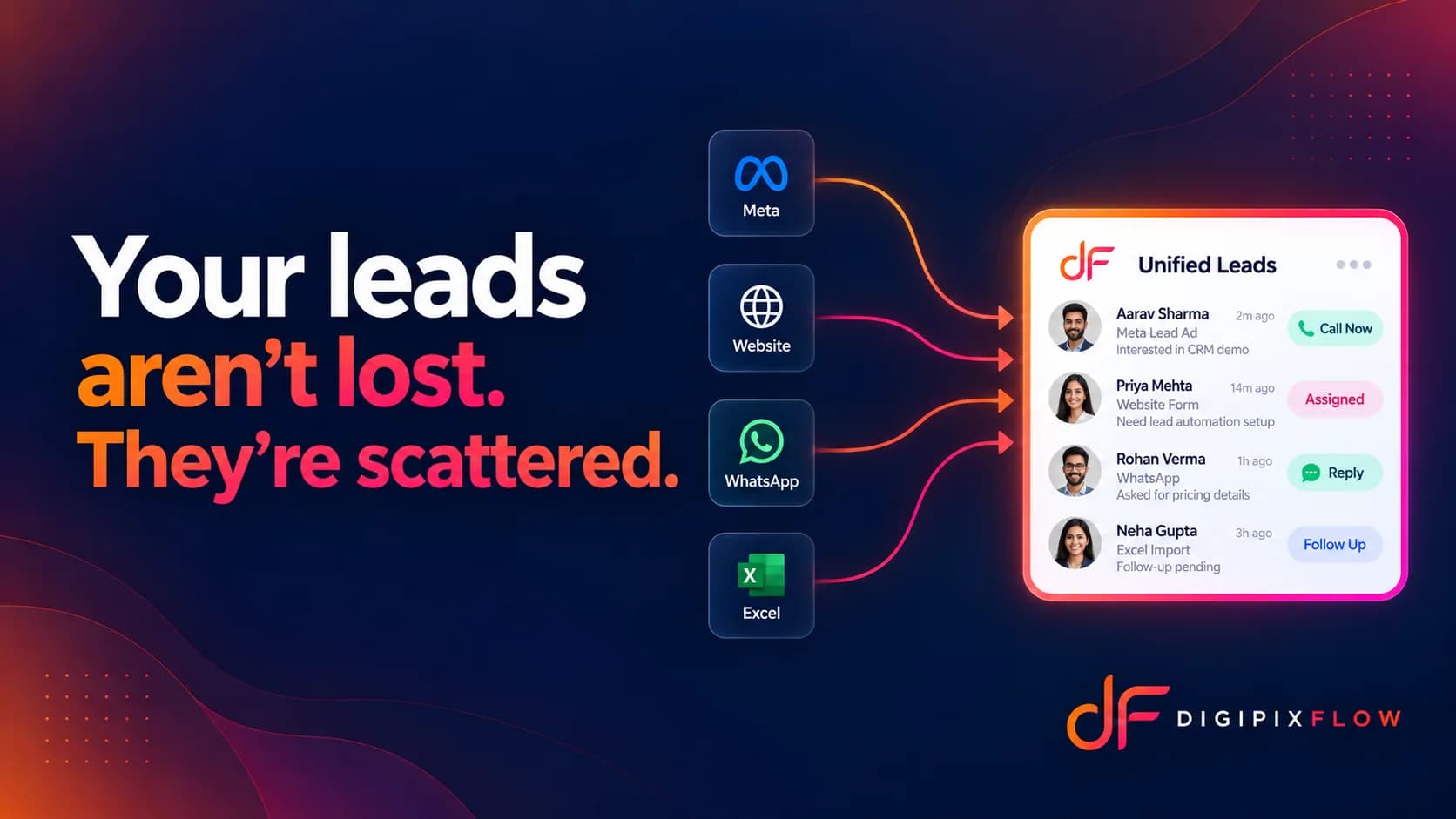 ARTICLEYour leads are not lost, they are just scatteredWhy enquiries slip between inboxes, and how one list fixes it.Read the article
 GUIDEReal Estate Follow-Up Scripts: What to Say on Calls and WhatsApp at Every StageReal estate follow-up scripts for Indian property teams: the exact words for the first call, a missed call, the day after a site visit, a price objection and a buyer who has gone quiet. Each stage has a call script and a WhatsApp message you can adapt.Read the guide

Win your next event enquiry before the date goes
Talk to an expert — bring a real event enquiry, and see it routed, answered, quoted and handed over.
- A real person, not a bot
- Bring a real event enquiry
- See it quoted and handed over