
Lead capture software that puts every lead in one inbox
Lead capture software that pulls Meta Lead Ads, Google Ads lead forms, IndiaMART, website forms and your own systems into one list, checks every lead for duplicates, scores it and routes it to the right rep before it goes cold.
- Six lead sources, one list
- Duplicates caught on arrival
- A response timer on every lead


- target to assign every new lead
- 2 min
- first-contact timer, with escalation
- 30 min
- ways for leads to arrive
- 6
Six ways for leads to reach you, one place to work them
- Meta Lead AdsFacebook and Instagram lead forms
- Google Ads lead formsLead forms on your Google campaigns
- IndiaMARTBuyer enquiries, every five minutes
- Website formsHosted, embedded or server-to-server
- Lead APISend leads from any system
- CSV and Excel importBring the lists you already have
Enquiries scattered across five tabs
Meta leads sit in Ads Manager, IndiaMART enquiries in another dashboard, website forms in someone's email and last month's list in a spreadsheet. Nobody sees the full picture, and the lead nobody opened is the one a competitor calls first.
The same buyer, two reps, two quotes
A prospect fills in your Facebook form on Monday and your website form on Wednesday. Without duplicate checks they become two records owned by two people — and the buyer hears two different prices from the same company.
Replies that arrive hours too late
When new leads wait in a shared list for someone to claim them, the first reply slips from minutes to hours. By then the buyer has spoken to someone else, and the ad spend that produced the lead has been wasted.
Capture from every channel you advertise on
Connect the channels that already bring you enquiries and they flow into one lead list, each lead tagged with where it came from. Meta Lead Ads connect with a Meta login and deliver leads by webhook as they are submitted, and a background check every six hours recovers anything a webhook missed. Google Ads lead forms post straight to DigiPix Flow, and IndiaMART buyer enquiries are collected every five minutes.
- Meta Lead Ads for Facebook and Instagram, with a source for each form
- Google Ads lead forms delivered by Google's own webhook
- IndiaMART enquiries collected every five minutes
- One lead list, with a chip per source and a count of new leads on each
Website forms that stop spam, not visitors
Build a form in DigiPix Flow and publish it the way that suits your site: a hosted page with its own link, a script you paste into any page, or a signed server-to-server post from your own backend. Every form maps its fields onto the lead record, and every submission passes spam checks before it reaches your team, so reps spend their time on people rather than bots.
- Hosted form pages, embeddable forms and signed server-to-server posts
- A hidden honeypot field and a per-IP rate limit on every form
- Optional Cloudflare Turnstile checks, switched on form by form
- UTM tags, gclid, fbclid and the referring page saved with the lead
One person, one record
Before a new lead is saved, DigiPix Flow normalises its email address and phone number and checks them against the leads you already have. You decide what counts as the same person — a matching email, a matching phone, or both. Leads with a similar name and company are flagged as likely duplicates for a person to review; nothing is merged behind your back.
- Exact matching on normalised email addresses and phone numbers
- A duplicate rule you choose for your workspace
- Similar names and companies flagged for review
- Merge two records and keep the full history of both
Know which leads are hot
Scoring rules add or remove points based on what you know about a lead — the source it came from, the form it filled in, the details it gave and the tags your team adds. When a lead crosses your hot-lead threshold, its owner is alerted and your workflows can start the follow-up at once, every time a lead turns hot.
- Rules that add, subtract or set a lead's score
- A hot-lead threshold you choose, set to 80 out of the box
- An alert to the lead's owner as soon as a lead turns hot
- A hot-lead trigger your automations can act on

Lead assignment that finds the right rep
Assignment rules run in the order you set and look at a lead's source, score, tags and segment. Each rule decides how the work is shared: always to one person, round robin across a team, weighted towards your strongest closers, or to whoever has the fewest open leads. If no rule matches, a fallback still makes sure the lead has an owner.
- Fixed, round-robin, weighted and least-loaded assignment
- Conditions on source, score, tags and segment membership
- A fallback when no rule matches, so no lead is left without an owner
- A follow-up task created for the rep as soon as a lead is assigned
Response timers that escalate
Every new lead starts two clocks. DigiPix Flow expects it to be assigned within two minutes and contacted within thirty. If either target slips, an alert goes out — and goes out again if the lead is still waiting — so a lead can never sit untouched because everyone assumed somebody else had called.
- A two-minute assignment target, escalating at 15 and 30 minutes
- A thirty-minute first-contact target, escalating at 30 and 60 minutes
- Overdue follow-up alerts for leads already in progress
- Timers checked every minute, around the clock
Know where every lead came from, with consent on record
Every lead carries its source, and website leads also carry the campaign tags and click IDs from the page they converted on, so you can see which campaigns bring leads that close. When a form asks for consent, DigiPix Flow records the answer and the time it was given. The consent box is never pre-ticked, and the notice is shown before it, in line with India's DPDP Act.
- Default sources for web, Meta, Google, IndiaMART, API and import
- Custom sources for each form and each Meta lead form
- Consent captured from forms, Meta, Google, the API and imports
- A consent history you can show when someone asks

Your lead inbox in your pocket
The DigiPix Flow mobile app carries the same lead list, with the same source chips and new-lead counts. Push notifications tell a rep when a lead is assigned to them or turns hot, so the first call can happen from wherever they are. Duplicates can be reviewed and merged from the phone too.
- Push notifications for new assignments and hot leads
- The same source chips and filters as the web app
- A Hot view for the leads most worth calling first
- Review and merge duplicates without opening a laptop


From first enquiry to first call, in five steps
- STEP 01
Connect
Link Meta, Google Ads lead forms and IndiaMART, publish a website form, or create an API key for your own systems.
- STEP 02
Capture
New enquiries arrive in the lead list with their source, campaign tags and consent already attached.
- STEP 03
Clean
Duplicates are caught on email and phone before a second record exists, and look-alikes are flagged for review.
- STEP 04
Route
Scoring and assignment rules put each lead with the right rep, and a follow-up task lands on their list.
- STEP 05
Respond
Timers watch assignment and first contact, and alerts go out whenever a lead is left waiting.
Lead capture in a CRM vs spreadsheets and shared inboxes
| What it covers | Spreadsheets and shared inboxes |  DigiPix Flow DigiPix Flow |
|---|---|---|
| Where leads arrive | Ads Manager, portal dashboards, email alerts and sheets | One lead list, with a chip for every source |
| Duplicate enquiries | Found by chance, usually after two reps have called | Caught on email and phone before a record is created |
| Who owns a new lead | Whoever happens to notice it first | Assignment rules, with a fallback so every lead has an owner |
| Speed to first reply | Nobody is measuring it | Two-minute assignment and thirty-minute contact timers |
| Which lead to call first | Gut feel | Lead scores, and a hot-lead alert to the owner |
| Campaign tracking | Lost when the lead is copied from one tool to the next | Source, UTM tags and click IDs stored on the lead |
| Consent | A column someone may or may not fill in | Recorded at capture, with the time it was given |
The connections lead capture runs on
Ad platforms, your website and your own systems all connect once. After that, every new enquiry flows straight into the same lead list, tagged with where it came from.
Lead capture questions, answered
What is lead capture software?
Lead capture software collects enquiries from every channel you advertise on into one place, so none are left in an ad dashboard or someone's email. DigiPix Flow brings Meta Lead Ads, Google Ads lead forms, IndiaMART, website forms, the lead API and CSV imports into one lead list, checks each lead for duplicates, scores it and assigns it to a rep.
Can DigiPix Flow capture Facebook and Instagram leads automatically?
Yes. Connect your Meta account and choose the pages and lead forms to sync. New submissions arrive by webhook as they are made, and a background check every six hours recovers any lead a webhook missed. Each Meta lead form can be given its own source, so you can compare forms and campaigns later.
Which lead sources can I connect?
Meta Lead Ads for Facebook and Instagram, Google Ads lead forms, IndiaMART, DigiPix Flow website forms (hosted, embedded or server-to-server), the REST lead API, and CSV or Excel import. Every lead is tagged with the source it came from.
How does duplicate detection work?
Email addresses and phone numbers are normalised and compared with the leads you already have, using the rule you pick: email, phone, or both. An exact match is caught before a second record is created. Leads with a similar name and company are flagged as likely duplicates for a person to check, and two records can be merged while keeping the history of both.
Does it work with IndiaMART?
Yes. Add your IndiaMART CRM key and DigiPix Flow collects new buyer enquiries every five minutes, which is as often as IndiaMART allows. They land in the same lead list as every other source, tagged as IndiaMART, and go through the same duplicate checks and assignment rules.
Can I send leads from my own website's backend or another system?
Yes, in two ways. Website forms accept signed server-to-server submissions, and the REST lead API lets any system create leads with an API key. The API accepts an Idempotency-Key header, so a request retried after a network error does not create a second lead.
What happens if none of my assignment rules match a lead?
A fallback takes over. By default the lead is shared round robin across your team; you can instead hand it back to the rep who owned that person before, or leave it in the unassigned queue for a manager, and limit the fallback to a default team. A lead that stays unassigned for too long raises an escalation.
Is consent recorded in line with India's DPDP Act?
When a form, Meta lead form, Google lead form, API call or import includes consent, DigiPix Flow records whether it was given and when. The consent box on DigiPix Flow forms is never pre-ticked and the notice is shown before it. An unticked box records nothing, so you never hold consent that was not given.
Will my team get alerts on their phones?
Yes. The DigiPix Flow mobile app sends push notifications when a lead is assigned to a rep, when a lead turns hot, and when a lead has waited too long for its first contact. The same alerts appear inside the web app.
Can I import the leads I already have?
Yes. Upload a CSV or Excel file, match its columns to lead fields and import. Consent columns are supported, so the permissions you already hold come across with the list, and imported leads are tagged with the import source.
How quickly does a new lead show up?
Leads from Meta, Google Ads lead forms, website forms and the API are saved as soon as they are received, and IndiaMART enquiries are collected every five minutes. The lead list refreshes itself every minute or so, and the owner is alerted as soon as the lead is assigned.
Something we haven't covered? Talk to an expert
Keep exploring
Visit the blog- FEATURESLead management featuresEvery lead queue, the Lead 360 view, import and merge — feature by feature.Explore features
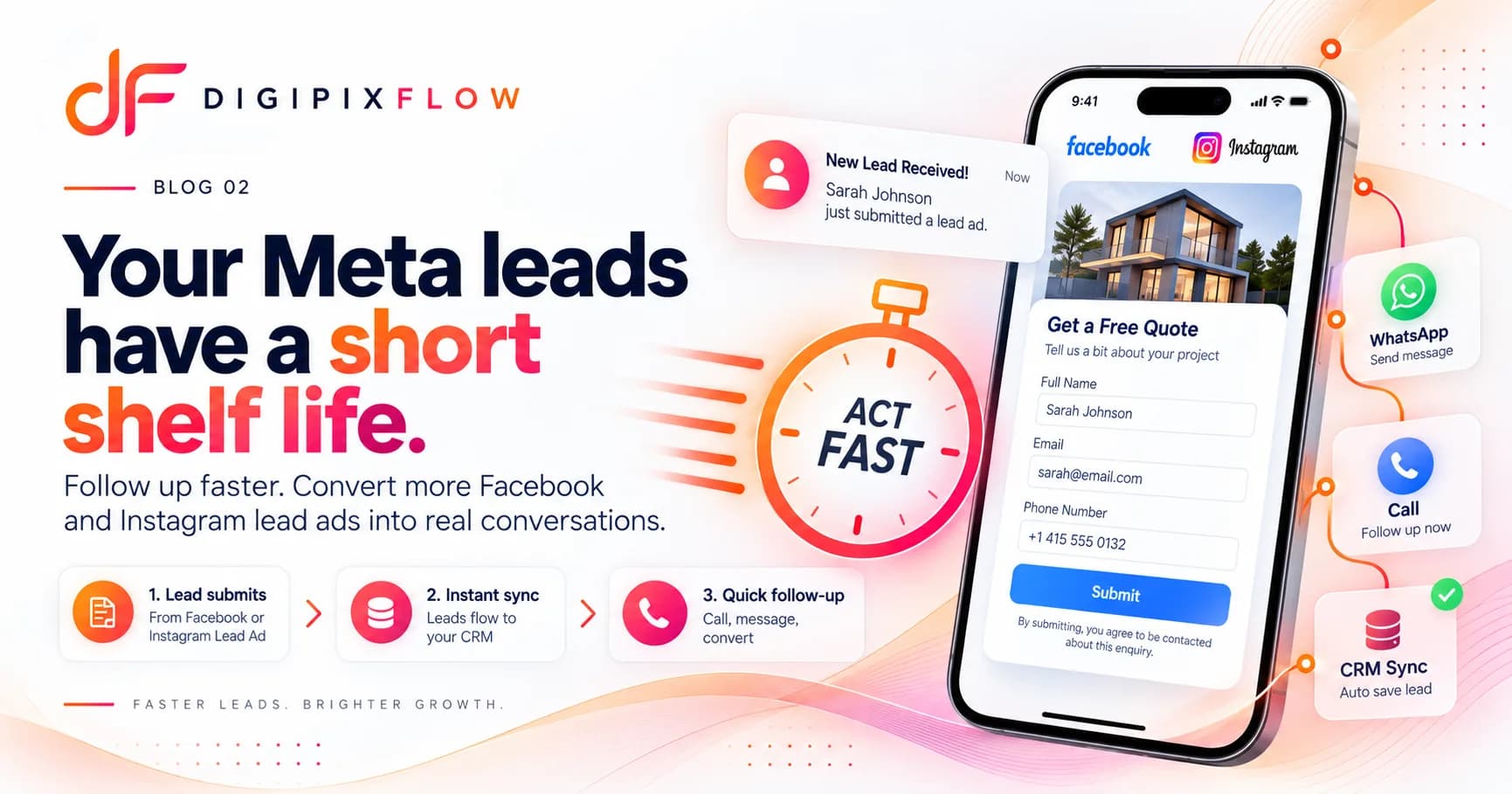 GUIDEHow to Follow Up on Facebook and Instagram Lead Ads Before They Go ColdA seven-step follow-up process, a two-week cadence and scripts you can use today.Read the guide
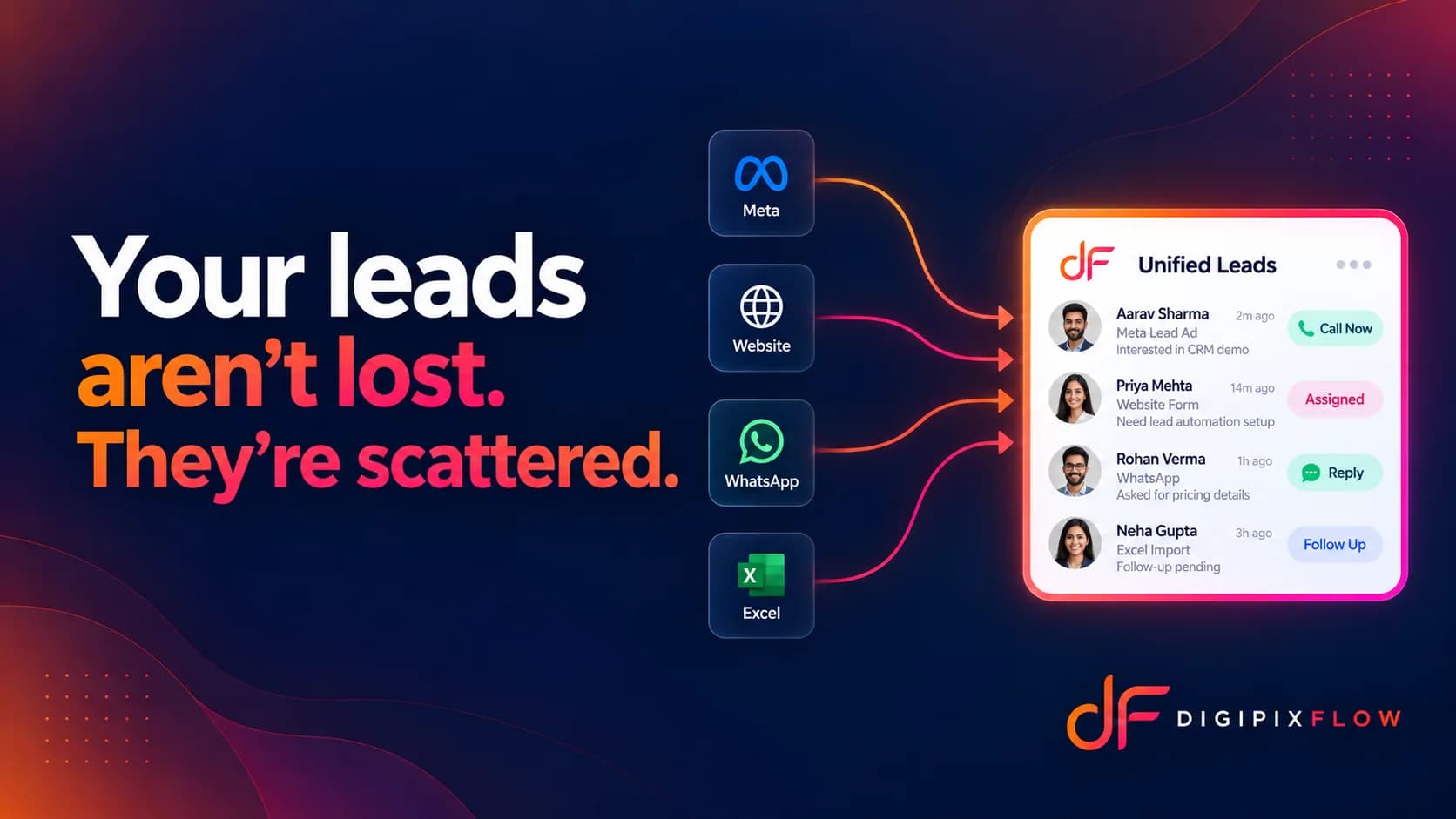 ARTICLEYour Leads Aren't Lost. They're Just Scattered.The three leaks we see again and again in growing sales teams, and how to fix them.Read the article
- PRODUCTSales pipeline softwareOnce a lead is qualified: stage rules, approvals and a clear owner on every deal.See how it works
- PRODUCTFollow-up reminder softwareTasks, reminders and escalations that keep every deal moving.See how it works
- SOLUTIONSLead capture for agenciesHow media agencies capture campaign leads and turn them into retainers.See the solution

Stop losing leads between tabs
Talk to an expert — bring your lead sources and see them land in one inbox.
- A real person, not a bot
- Bring your own lead sources
- See them in one inbox