
Facebook Lead Ads CRM integration, straight to the right rep
Our Facebook Lead Ads CRM integration turns every Facebook and Instagram lead form submission into a DigiPix Flow lead once you connect your Pages: answers mapped to the right fields, a source for each form, duplicates checked, a rep assigned — and a background check that picks up any lead Meta's webhook failed to deliver.
- Sign in with Facebook and choose your Pages
- Answers mapped field by field, per form
- Missed webhooks recovered every six hours


 Rahul Kumar
- Facebook permissions, each with a stated reason
- 5
- between checks for leads a webhook missed
- 6 hours
- of leads recovered after an outage
- 7 days
What arrives with every Meta lead
- PageThe Facebook Page that ran the form
- FormIts own lead source and settings
- AnswersMapped to lead and custom fields
- Ad IDsThe ad, ad set and form it came from
- OwnerAssigned by your rules on arrival
- ConsentOnly where your rules say a tick counts
Leads waiting in a download nobody ran
Meta collects the enquiry in seconds, but someone has to remember to open Business Suite, export the file and share it. On a busy Saturday that happens on Monday, and by then the buyer has already booked a site visit with the builder who called back first.
Spreadsheets that lose the answers that matter
The export arrives with one column per question, named however the form was written. Someone copies names and phone numbers into the CRM, the preferred location and possession date stay in the file, and the rep calls without knowing what the buyer actually asked for.
The same buyer, uploaded twice
People fill in more than one form, or the same form twice. When last week's export and this week's are pasted in by different people, the buyer becomes two leads with two owners, and hears from both of them before lunch.
Sign in with Facebook and pick the Pages that count
Connect with the Facebook account that manages your Pages, then choose which of them should send leads into this workspace. DigiPix Flow asks for five permissions, each for a stated reason, and subscribes the Pages you pick to Meta's lead delivery for you. Every Page then shows whether it is receiving leads, and a daily sync keeps Pages, forms and Page access current.
- Sign in with the account that manages your Pages
- Only the Pages you select send leads
- Selected Pages subscribed to lead delivery for you
- Pages, forms and access refreshed every day
Capture from the forms you choose, not every form you ever ran
Once your Pages are chosen, DigiPix Flow brings in each Page's lead forms together with their questions. Switch capture on for the forms that matter and leave old tests and expired offers off; leads from a switched-off form are acknowledged and set aside rather than added to your list. One table shows each form's Page, its questions, any mapping gaps, its rule and its duplicate setting.
- Every lead form on your chosen Pages, with its questions
- Capture switched on or off form by form
- Unmapped questions counted beside each form
- Sync now after you publish a new form
Every answer lands in the right field on the lead
Name, email, phone and company questions are matched for you. Every other question, like a preferred location or a possession date, can be mapped to a lead field or to one of your own lead custom fields. An answer you leave unmapped is not copied onto the lead, so the form is marked until each question has somewhere to go, and a retired custom field is flagged.
- Name, email, phone and company matched automatically
- Other questions mapped to lead or custom fields
- Forms with unmapped questions marked for attention
- One question per custom field, so answers never collide
Decide what happens to a lead before it arrives
Each form carries its own settings. Give its leads a lead source of their own, so a site-visit form and a brochure form stay apart in your lead list, then set their starting status, add tags and choose how duplicates are handled. Point the form at an assignment rule, and if you want, open a deal for every lead at the stage you pick, owned by whoever takes the lead.
- A lead source and starting status for each form
- Tags added to every lead from that form
- An assignment rule tried first, then your usual order
- An optional deal opened at the stage you choose
Facebook leads delivered to your CRM by webhook, with a safety net
When someone submits your form, Meta notifies DigiPix Flow by webhook, and each notice must carry a valid signature from the app before it is accepted. Meta's notice holds no answers, so DigiPix Flow then fetches the full lead using the Page's own access. Every six hours a background check pulls recent leads from your forms and adds any that a webhook missed.
- Every webhook checked against the app's signature
- The full lead fetched from Meta with the Page's access
- A recovery check every six hours for missed leads
- Failed events retried, then replayable from the event log
Checked for duplicates and with a rep before anyone has to ask
A Meta lead goes through the same checks as every other lead. Its email and phone are compared with the leads you already have, and a likely match is flagged for your team to review rather than combined. Company details are filled in from the email domain, the lead is scored, and assignment rules that respect working hours give it an owner, with a default owner when no rule fits.
- Email and phone checked against existing leads
- Possible duplicates flagged for a person to review
- Ad, ad set and form IDs recorded with the lead's source
- Assigned by rule, with a default owner as a fallback

Consent recorded only once you say what a tick box means
Meta tells DigiPix Flow that a disclaimer box on your form was ticked, but not what the box said. So nothing is recorded as consent until you write a rule: name the checkbox key, or accept any ticked box, and choose the purposes and channels it covers. A ticked box then records consent dated when the form was submitted, and an unticked box records nothing.
- Rules matched on a checkbox key, or any ticked box
- Marketing or sales outreach, by email, SMS or WhatsApp
- Dated when the person submitted the form
- No rule, no consent on record
Leave cleanly, and answer Meta's deletion requests properly
Disconnect from the integration page and DigiPix Flow unsubscribes your Pages and removes its access at Facebook, while the leads you already have stay in your workspace. If that access cannot be fully removed, it says so and tells you where to finish. When someone removes the app or asks Meta to delete their data, their connection is revoked and the stored access tokens are erased.
- Pages unsubscribed and Facebook access removed
- Leads you already captured are kept
- Meta's deauthorize and data deletion requests handled
- A confirmation code and status page for each request
From a Facebook Page to a rep's call, in five steps
- STEP 01
Connect Facebook
Sign in with the account that manages your Pages and choose the Pages to use.
- STEP 02
Choose your forms
Switch capture on for the lead forms whose enquiries you want.
- STEP 03
Map and set rules
Map each question to a field and set the form's source, tags and assignment.
- STEP 04
Leads arrive
Each submission is fetched, checked for duplicates and given an owner.
- STEP 05
Your rep calls
The assigned rep follows up while the enquiry is still fresh.
Meta Lead Ads in DigiPix Flow vs downloading leads by hand
| What it covers | Downloading leads from Meta by hand |  DigiPix Flow DigiPix Flow |
|---|---|---|
| How leads reach your team | A file exported from Ads Manager or Business Suite | Added to your lead list as each form is submitted |
| Leads nobody downloaded | Found days later, if at all | Webhook delivery, plus a recovery check every six hours |
| Form answers | Columns copied across by hand | Mapped onto lead and custom fields, form by form |
| Repeat enquiries | Uploaded again as a second lead | Checked on email and phone, and flagged for review |
| Who follows up | Whoever opens the file first | The rep your assignment rules choose |
| Which form it came from | A file name, until it is renamed | A lead source per form, with ad and form IDs |
| Consent | A column nobody records | Recorded by rules you write for each tick box |
The other lead sources that share the same list
Meta leads land in the same list as Google Ads lead forms, website forms and IndiaMART enquiries, and your reps can follow up on WhatsApp from the lead.
Meta Lead Ads questions, answered
What do I need before I connect Meta Lead Ads?
A Facebook account with an admin role on at least one Facebook Page that runs lead forms. You sign in with that account, choose the Pages that should send leads, and pick the forms to capture. There is nothing to install on your Page.
Which Facebook permissions does DigiPix Flow ask for, and why?
Five: pages_show_list to list your Pages, pages_read_engagement to read them, leads_retrieval to fetch each lead's answers, pages_manage_metadata to subscribe your Pages to lead delivery, and pages_manage_ads to read each Page's lead forms. If one is missing, the integration page shows which and asks you to reconnect.
Does it capture leads from Instagram lead ads?
Yes, when the ad uses a lead form that belongs to one of your connected Facebook Pages. Those submissions arrive exactly like leads from Facebook ads. Only lead form submissions become leads; conversations on Facebook or Instagram are not brought in by this integration.
What happens if Meta's webhook never reaches DigiPix Flow?
Every six hours a background check asks Meta for recent leads on your forms and adds any that are missing. After an outage it reaches back to the last successful check, up to seven days. Leads are matched on Meta's own lead ID, so a lead that arrives both ways is only created once.
How can I check the connection is working?
Submit a test lead with Meta's Lead Ads Testing Tool and watch it appear. The integration page shows each Page's delivery status, when the last lead and last webhook arrived, and an event log of every delivery. A self-test checks the connection, the access token and your Page subscriptions, and suggests a fix for anything that fails.
Can I see which ad a lead came from?
DigiPix Flow records the ad, ad set and form IDs Meta sends with each lead, and every form can have its own lead source. Meta does not send UTM tags with a lead. If your form asks for that information as a question, you can map the answer to a custom field.
How are duplicate Meta leads handled?
Each lead's email and phone are checked against your existing leads, and a likely match is flagged for someone to review. Nothing is combined without a person deciding. Each form can follow your workspace setting, always flag possible duplicates, or skip the check.
Is a ticked disclaimer box recorded as consent?
Only if you write a rule for it. Meta reports that a box was ticked, not what it said, so you name the checkbox key, or accept any ticked box, and choose the purposes and channels it covers. Without a rule, nothing is recorded, and an unticked box never records consent.
What happens when we disconnect, or someone asks Meta to delete their data?
Disconnecting unsubscribes your Pages and removes DigiPix Flow's access at Facebook, and your existing leads are kept. When a person removes the app or requests deletion through Meta, the connection they authorised is revoked, its stored tokens are erased, and Meta receives a confirmation code with a status page.
Something we haven't covered? Talk to an expert
Keep exploring
Visit the blog- PRODUCTLead inbox for every sourceMeta, Google Ads, IndiaMART and website leads in one list, scored and routed.See how it works
- INTEGRATIONSGoogle Ads lead form integrationLeads from lead forms on your Google campaigns, delivered by Google's webhook.See the integration
- INTEGRATIONSWebsite form to CRM integrationHosted and embedded forms with spam checks, mapped onto the lead record.See the integration
- FEATURESDuplicate lead detectionHow possible duplicates are found, flagged and reviewed by your team.Explore the feature
- FEATURESConsent and opt-out trackingHow consent, unsubscribes and do-not-contact work across every channel.Explore the feature
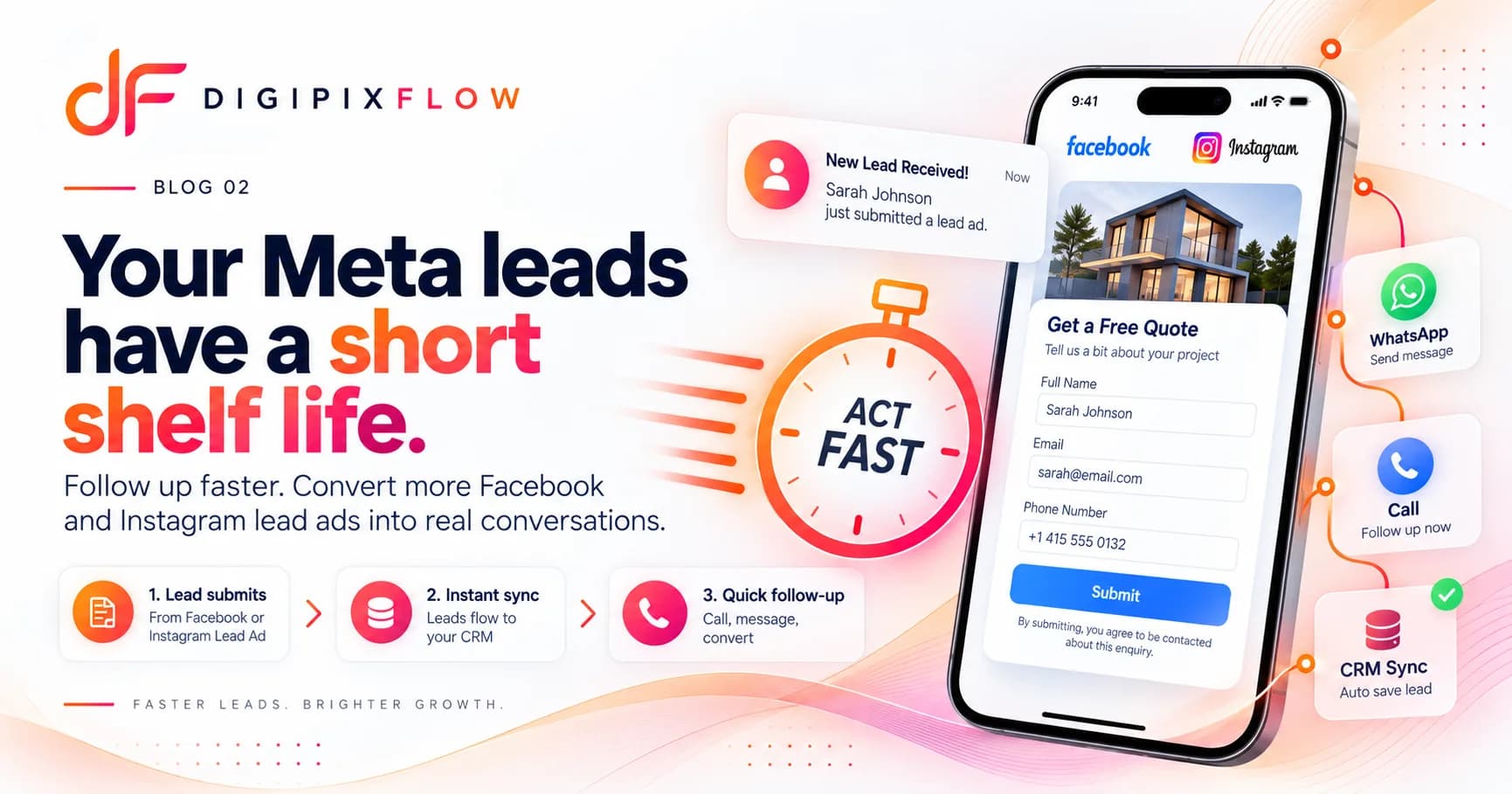 GUIDEHow to Follow Up on Facebook and Instagram Lead Ads Before They Go ColdA seven-step follow-up process, a two-week cadence and scripts you can use today.Read the guide
 GUIDELead Source Tracking: How to Know Which Campaigns Bring Real CustomersA practical guide to lead source tracking: tag links with UTMs, keep Google and Meta click IDs, pass them through hidden form fields, record offline sources and report leads by source.Read the guide

Stop exporting Meta leads and start calling them
Talk to an expert — bring the Pages and lead forms you run today, and see a test lead arrive mapped, checked and assigned.
- A real person, not a bot
- Bring your own Pages and forms
- See a test lead arrive