
Real estate CRM for India, from ad enquiry to site visit
A real estate CRM for Indian builders, developers and channel partners selling residential projects: every enquiry from your Meta campaigns, project web pages and your own systems lands in one list, goes to the right project team within your working hours, gets a WhatsApp reply from the lead record, and moves through site visit and negotiation on a pipeline your whole team reads the same way.
- Every project campaign's enquiries in one list
- Assigned by rule, with a clock on first contact
- Site visits scheduled as follow-ups with reminders


 Kavya Iyer
- target to give every new enquiry an owner
- 2 min
- first-contact timer on every enquiry
- 30 min
- to a callback when a buyer doesn't pick up
- 3 hours
Where a project's enquiries come from
- Meta lead formsA lead source for each project campaign
- Project page formsEmbedded on the project's web page
- Hosted form linkShared from an ad, a mailer or a message
- Lead APIEnquiries from your own systems
- Enquiry sheetsLast season's list, brought in as a CSV
- WhatsApp and SMSConversations kept on the buyer's record
Enquiries scattered across ad dashboards and phones
Meta leads sit in Ads Manager, website enquiries arrive in the project mailbox and buyers message a rep's personal WhatsApp. Someone copies them into an Excel sheet at the end of the day, and the buyer who enquired at eleven in the morning gets a call the next evening, after two other builders have already rung.
Site visits kept in one rep's memory
A buyer agrees to visit on Saturday. The rep notes it in their phone, forgets to confirm on Friday, and the family drives to a different project instead. When that rep leaves, their visits and callbacks leave with them, and the sales manager has no list of who was promised what.
A pipeline nobody reads the same way
One rep marks a buyer as hot after a single call; another waits for a token amount. The sheet shows fifty buyers in negotiation, the Monday review turns into an argument about which are real, and lost deals vanish from the sheet without a reason anyone can learn from.
Property lead management: every project enquiry in one list
Connect the Facebook Pages that run your project campaigns, and each lead form sends its enquiries straight into DigiPix Flow under a lead source of its own. Put a form on the project's web page, or share its hosted link from an ad or a mailer, and those enquiries land in the same list. Your own systems can post leads through the lead API, and last season's enquiry sheet comes in as a CSV.
- Meta lead forms, each with its own lead source
- Forms embedded on a project page, or a hosted link
- The lead API for enquiries from your own systems
- CSV import for the enquiry sheets you already keep


Configuration and budget on the lead, and repeat enquiries flagged
A Meta lead form can ask what the buyer wants — 2BHK or 3BHK, a budget band, when they hope to move in — and each answer maps to a lead custom field you create, so the rep reads it before calling. Buyers who enquire on two campaigns are checked on email and phone as they arrive, and a match is flagged for your team to review and merge rather than combined on its own.
- Form answers mapped to your own lead custom fields
- Configuration, budget and possession on the record
- Email and phone checked against existing leads
- Possible duplicates flagged for a person to review
Each project's enquiries go to that project's sales team
Give every project campaign its own lead source, then write an assignment rule for it: round robin across the site team, weighted towards your senior closers, or to whoever has the fewest open leads. Switch on working hours, and an enquiry that arrives at midnight waits for the morning instead of landing on a sleeping rep. If no rule matches, a fallback still gives the lead an owner.
- Rules on source, score, tags or segment
- Round robin, weighted, least loaded or one fixed rep
- Assignment held to your working hours if you choose
- A follow-up task for the rep as soon as a lead is assigned
A clock on every enquiry until someone makes contact
When an enquiry arrives, DigiPix Flow expects it to have an owner within two minutes and a first contact within thirty. The first call, email or meeting the rep logs stops the contact clock. If a target slips, the owner is alerted, and alerted again while the buyer is still waiting, so an enquiry from a Sunday afternoon ad is not discovered on Tuesday morning.
- Two minutes to give each new enquiry an owner
- Thirty minutes to the first contact
- Alerts repeated while the buyer is still waiting
- Clocks checked every minute, around the clock


Reply on WhatsApp from the lead, not from a rep's personal phone
Connect your WhatsApp Business number and conversations with buyers sit on their lead record, where a sales manager can read them too. Once Meta's 24-hour window has closed, reps send a template Meta has approved, such as a site-visit invitation. SMS goes out against your registered DLT templates. Before any sales or marketing message leaves, DigiPix Flow checks the buyer's consent for that channel and your do-not-contact list.
- WhatsApp threads linked to the buyer's lead
- Approved templates once the 24-hour window closes
- SMS matched to your DLT templates
- Consent and do-not-contact checked before sending
Site visit follow-ups on the record, with a reminder before each one
From the lead or the deal, schedule a follow-up of the Site visit type for Saturday at 11:00, assign it and set a reminder a day before. It appears on the record, in the rep's queue and on the team calendar, and if it runs late it is escalated. After the visit, complete it with an outcome and book the next follow-up in the same step, then log the meeting with what the family said.
- Site visit is a built-in follow-up type
- Reminders from 15 minutes to a day before
- Day, week and month calendar views
- Overdue visits flagged to the owner and team leads
 Kavya Iyer
From enquiry to booking, on stages that mean the same to every rep
Name the stages your team really works through — Enquiry, Site visit, Negotiation, Booked — and mark Booked as won. Stage rules keep the board honest: a deal cannot enter Site visit without a next step scheduled, or Negotiation without an amount. A discount beyond the limit you set waits for approval, and every lost deal records why, from budget to possession date.
- Your own stages, each with a colour and a type
- A next step or an amount required before a stage
- Approval for discounts above the percentage you set
- A lost reason from your list on every lost deal


See which campaigns bring enquiries and where the deals are sitting
The leads by source report counts every enquiry against the source it came from, so each project campaign's form can be compared with the others over 7 days, 30 days, the quarter or the year. The pipeline by stage report shows how many deals sit at Site visit or Negotiation and what they are worth. Save both, schedule them for Monday morning and export a CSV for the promoters' review.
- Leads counted by source, with each one's share
- Deal count and value at every stage
- Daily, weekly or monthly report schedules
- CSV export of any report
From a campaign enquiry to a booking, in five steps
- STEP 01
Connect your sources
Link the Facebook Pages running project campaigns and publish a form for each project page.
- STEP 02
Route by project
Give each campaign a lead source and an assignment rule for its sales team.
- STEP 03
Make first contact
The owner calls, or sends an approved WhatsApp template, while the clock is running.
- STEP 04
Schedule the visit
Book a Site visit follow-up with a reminder, and it appears on the team calendar.
- STEP 05
Move to booking
Deals move from Site visit to Negotiation to Booked as each stage's rules are met.
DigiPix Flow vs ad dashboards, inboxes and an Excel sheet
| What it covers | Ad dashboards, a project inbox, personal WhatsApp and an Excel sheet |  DigiPix Flow DigiPix Flow |
|---|---|---|
| Where enquiries arrive | Ads Manager, the project mailbox and reps' phones | One lead list, with a source for every campaign form |
| Who calls a new enquiry | Whoever copies it into the sheet first | Assignment rules per project, within your working hours |
| Speed of first contact | Nobody is measuring it | Two-minute assignment and thirty-minute contact timers |
| Conversations with buyers | On each rep's personal WhatsApp | WhatsApp threads on the lead, with approved templates |
| Site visits | A note in someone's phone | Site visit follow-ups with reminders on a shared calendar |
| Repeat enquiries | A second row, and a second rep calling | Checked on email and phone, and flagged for review |
| The Monday sales review | A sheet rebuilt before every meeting | Leads by source and pipeline by stage, on a schedule |
The connections a project sales team runs on
Project campaigns on Meta, forms on your project pages and your own systems feed one lead list, and reps reply to buyers on WhatsApp and SMS from the record.
Real estate questions, answered
Can each project have its own lead source and sales team?
Yes. Give each Meta lead form its own lead source, for example one per project, and write an assignment rule that sends that source to the project's team by round robin, by weighting or to whoever has the fewest open leads. A fallback gives any enquiry that matches no rule an owner.
What happens to an enquiry that arrives at night?
It is saved as soon as it arrives. If you switch on working hours for assignment, it waits and is assigned when your business hours begin — Monday to Friday, 09:00 to 18:00 in your workspace's time zone, unless you set your own days and hours, weekends included. Switch working hours off and it is assigned straight away.
Can reps reply to buyers on WhatsApp from DigiPix Flow?
Yes, once your WhatsApp Business number is connected. Conversations sit on the buyer's lead record. Within 24 hours of the buyer's last message a rep can type freely; after that, Meta requires an approved template, which you write in DigiPix Flow and submit to Meta. A WhatsApp message does not create a lead on its own.
How are site visits tracked?
Schedule a follow-up with the Site visit type on the lead or deal, and pick the time, owner, priority and a reminder. It shows in the follow-up queues and on the calendar, overdue visits alert the owner and team leads, and completing it records an outcome and the next follow-up. Your team schedules every visit; buyers do not pick slots themselves.
Does a buyer hear back as soon as they fill in a form?
A website form can send one SMS from a published SMS template once the lead has been assigned, skipped if the number is on your do-not-contact list or consent was withdrawn. Meta lead forms and WhatsApp have no automatic reply: the rep who owns the lead sends the first WhatsApp message or makes the first call.
What happens when the same buyer enquires on two campaigns?
Each new lead's email and phone number are checked against the leads you already have, and a match is flagged as a possible duplicate for someone to review. A person decides whether to merge the two records, and nothing is combined without that decision.
Can the pipeline stages match the way we sell a project?
Yes. Add, rename and reorder stages such as Enquiry, Site visit, Negotiation and Booked, and mark which count as won or lost. Each stage can require an amount, a close date, a next step or a decision maker before a deal enters it, and a Meta lead form can open a deal at the stage you choose.
Can reps at the site use it on their phones?
Yes. The DigiPix Flow mobile app has the lead list, lead details and deals grouped by stage. A rep can call a buyer from the phone and log the call result on returning to the app, move a deal to another stage, and add follow-ups such as site visits to the phone's own calendar.
Can we bring in our existing enquiry sheet?
Yes, as a CSV file. Match its columns to lead fields and review the rows before importing; rows whose email already exists are skipped, consent columns follow your workspace's consent settings, and imported leads can go through your assignment rules. Custom field columns are not imported, so add budget or configuration on the record afterwards.
Something we haven't covered? Talk to an expert
Keep exploring
Visit the blog- PRODUCTEvery lead in one inboxCapture, duplicate checks, scoring and assignment for every lead source.See how it works
- PRODUCTFollow-ups that never slipQueues, reminders, escalations and the calendar behind every site visit.See how it works
- PRODUCTA pipeline you can trustStages, stage rules, approvals and a reason behind every win and loss.See how it works
- FEATURESWhatsApp and SMSTwo-way threads, approved templates, DLT checks and consent on every send.Explore the feature
- INTEGRATIONSMeta Lead Ads integrationFacebook and Instagram lead forms mapped, checked and assigned as they arrive.See the integration
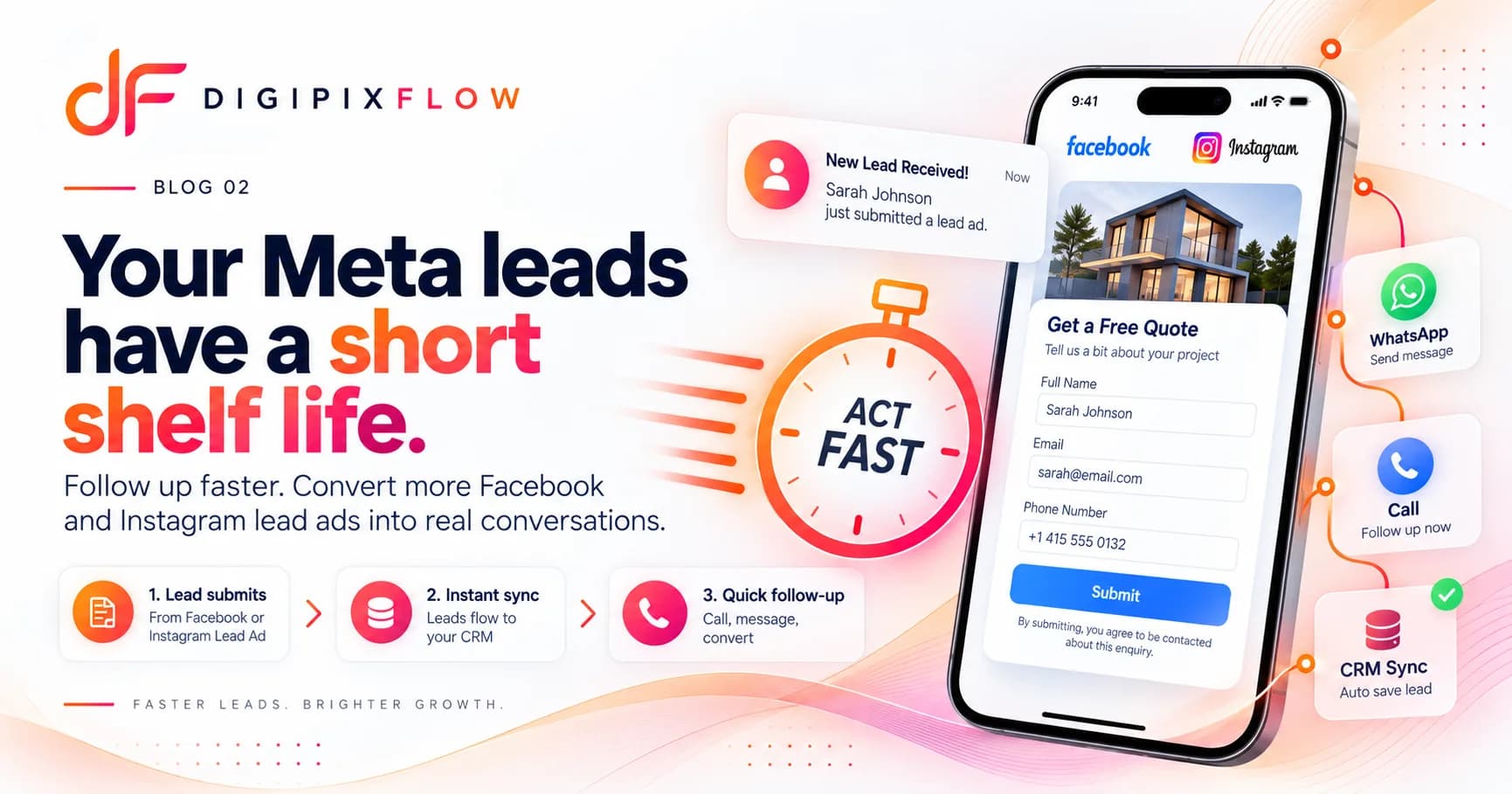 GUIDEHow to Follow Up on Facebook and Instagram Lead Ads Before They Go ColdA seven-step follow-up process, a two-week cadence and scripts you can use today.Read the guide
 GUIDEReal Estate Follow-Up Scripts: What to Say on Calls and WhatsApp at Every StageReal estate follow-up scripts for Indian property teams: the exact words for the first call, a missed call, the day after a site visit, a price objection and a buyer who has gone quiet. Each stage has a call script and a WhatsApp message you can adapt.Read the guide

Get every project enquiry to a rep, and every buyer to a site visit
Talk to an expert — bring one project campaign you run today and see an enquiry go from form to scheduled site visit.
- A real person, not a bot
- Bring a project campaign you run today
- See an enquiry reach a site visit