
CRM for manufacturers, from IndiaMART enquiry to an approved quotation
DigiPix Flow is a CRM for manufacturers and industrial suppliers who sell to factories, contractors, dealers and distributors on enquiry. It collects IndiaMART buyer enquiries as often as every five minutes, adds your website, ad and trade-fair leads to the same list, keeps each buyer as a company with its people, and carries every enquiry through a quotation your manager approves to a deal marked won or lost with a reason.
- IndiaMART enquiries collected every five minutes
- Buyers kept as companies with their contacts
- Quotation discounts approved before they go out


- shortest gap between IndiaMART enquiry checks
- 5 min
- approver roles for discounts and big wins
- 3
- win rate window on the pipeline report
- 30 days
Where B2B buyer enquiries come from
- IndiaMARTBuyer enquiries on a schedule
- Website formsRequest-a-quote forms on product pages
- Google Ads lead formsSearch campaigns for your products
- Meta lead adsFacebook and Instagram lead forms
- CSV importTrade-fair and expo visitor lists
- Lead APIEnquiries from your dealer app or site
IndiaMART enquiries waiting in a panel nobody opens
Buyer enquiries pile up in the IndiaMART seller panel while the sales team is on the shop floor or at a customer site. By the time someone downloads them on Friday, the buyer asking for 40 stainless steel tanks has already received three quotes from your competitors.
Every salesperson has their own quotation file
Quotations are typed in Excel from whatever price the rep last remembers, and discounts are agreed on the phone to close before the month ends. Nobody can see which version a buyer was sent, and the margin on a big order is only discovered after the goods have left the plant.
The same buyer, two reps, two rates
A contractor enquires through IndiaMART in June and through your website in August. Without one account holding both enquiries, a different rep picks up each one, quotes a different rate, and the buyer plays your own people against each other.
IndiaMART buyer enquiries in your CRM without downloading them
Paste your IndiaMART CRM key once and DigiPix Flow collects new buyer enquiries on a schedule, as often as every five minutes, which is IndiaMART's own limit. An enquiry already collected is skipped, so an overlapping check never creates a second lead. Each enquiry lands with IndiaMART as its source, and the connector shows its last successful check and why a check failed.
- Enquiries collected as often as every five minutes
- Repeats skipped on IndiaMART's own enquiry ID
- IndiaMART kept as the source on every lead
- Connector health with the last successful check

Manufacturing CRM: website, ad and trade-fair leads in the same list
Put a request-a-quote form on your product pages, hosted or embedded, and let Meta and Google Ads lead forms post straight in. After an exhibition, import the visitor list as a CSV with a column for its source. Your dealer app or website can create leads through the signed lead API. Every new lead is checked against existing ones on email and phone.
- Request-a-quote forms on your own website
- Meta and Google Ads lead forms in the same list
- Trade-fair lists imported with their source
- Possible duplicates flagged for a person to review
Send each enquiry to the rep who sells that product line
Assignment rules run in the order you set and check a lead's source, company name, score, status and segment. Share IndiaMART enquiries round robin between your inside-sales reps, send any enquiry that names a key account to its owner, and give website enquiries to whoever has the fewest open leads, all within working hours. A fallback owner catches anything no rule matches.
- Rules on source, company name, score and segment
- Round robin, weighted, fixed or least-loaded sharing
- Assignment that respects working hours
- A fallback owner, so no enquiry waits unassigned

Keep every buyer, dealer and distributor as one account
When a qualified enquiry becomes a deal, DigiPix Flow creates or links the contact and the company, so a contractor who enquires again is matched to the account you already know. Each company has one owner and a domain, with its purchase, engineering and accounts contacts linked by a relationship type and a primary contact marked. The company page shows its contacts, leads, deals, timeline and files.
- Enquiries converted into a deal, contact and company
- Contacts linked with a relationship type and a primary
- Leads, deals, timeline and files on one company page
- Possible duplicate companies paired by name and domain
Quote from the deal, with every version kept
Build the quotation on the deal: line items with a description, quantity and unit price, then one discount amount and one tax amount for the whole quotation, in the currency you choose. Every revision after a negotiation becomes a new numbered version, and a buyer's link always opens the version they were sent. Once approved, it is emailed with a PDF and a link for each recipient.
- Line items of description, quantity and unit price
- One overall discount amount and one tax amount
- A new numbered version for every revision
- Emailed with a PDF and a link for each recipient
Quotation approval before the buyer sees the price
Write approval rules on a quotation's amount band and discount percentage, and choose who decides: a sales manager, finance or an org admin, with a due time in hours or business days. You can also require approval before a big deal is closed as won. Nobody approves their own request, a rejection needs a comment, and overdue requests are escalated.
- Rules on amount band and discount percentage
- Approval before closing a large deal as won
- Routed to a sales manager, finance or an org admin
- No sending until the request is approved
Know why orders are won and lost
Shape stages the way you sell, such as Enquiry, Technical discussion, Quotation sent, Negotiation, Won and Lost, and set rules a deal must meet before it moves, like an amount or a next step booked. The buyer accepts the quotation online with a typed name or a drawn signature. A won deal needs a close date, and a lost one needs a reason from your own list.
- Custom stages in one pipeline
- Stage rules, such as an amount or a next step
- Online acceptance with name, time and version
- Won and lost reasons captured on every close
See whether IndiaMART or your website brings the buyers
Reports show leads by source, open pipeline value by stage and your win rate over the last 30 days, so you can compare IndiaMART with your website, ads and trade fairs. Save a report, schedule it daily, weekly or monthly with an in-app notice when it is ready, and export it as CSV. Each rep sees their own numbers, and managers see the team's.
- Leads by source, IndiaMART included
- Pipeline value by stage and a 30-day win rate
- Saved, scheduled and exported as CSV
- Totals scoped to what each role may see
From an IndiaMART enquiry to a closed order, in five steps
- STEP 01
Collect the enquiry
IndiaMART, website, ad and trade-fair leads arrive in one list.
- STEP 02
Route to a rep
Rules on source and company name pick the rep for the product line.
- STEP 03
Qualify the buyer
The enquiry becomes a deal linked to the buyer's company and contacts.
- STEP 04
Quote and approve
A versioned quotation, with a big discount signed off before sending.
- STEP 05
Close with a reason
The buyer accepts online, and the deal is marked won or lost with a reason.
DigiPix Flow vs spreadsheets and WhatsApp only
| What it covers | Spreadsheets and WhatsApp only |  DigiPix Flow DigiPix Flow |
|---|---|---|
| IndiaMART enquiries | Downloaded from the seller panel when someone remembers | Collected as often as every five minutes |
| Who picks up an enquiry | Whoever happens to open the panel | The rep your assignment rules choose |
| A buyer who enquires again | A fresh start with a different rep | Flagged as a possible duplicate and matched to the company |
| The quotation | An Excel file in each rep's folder | A numbered version on the deal, emailed with a PDF |
| Discounts | Agreed on the phone and found out later | Approval rules on amount band and discount percentage |
| Lost orders | Nobody records why | A lost reason required on every lost deal |
| Which channel brings buyers | A guess at the monthly meeting | Leads by source, saved and scheduled |
The sources a manufacturing sales team connects
Buyer enquiries arrive from IndiaMART on a schedule, from request-a-quote forms on your website, from Google Ads lead forms and from trade-fair lists by CSV, and your dealer app can send leads through the lead API.
Manufacturing CRM questions, answered
What is a CRM for manufacturers?
It is where every B2B enquiry lands, gets an owner and is followed through to a quotation and a won or lost order. DigiPix Flow collects IndiaMART enquiries on a schedule, adds website, ad and trade-fair leads, keeps buyers as companies with their contacts, and handles quotations with discount approvals and online acceptance.
Does DigiPix Flow connect to IndiaMART?
Yes. Paste your IndiaMART CRM key on the Integrations page and DigiPix Flow collects new buyer enquiries as often as every five minutes, IndiaMART's own limit. Enquiries already collected are skipped. Replies to the buyer go from DigiPix Flow by call, email, WhatsApp or SMS; nothing is sent back to IndiaMART.
Does DigiPix Flow replace our ERP or accounting software?
No. DigiPix Flow does not manage stock, plan production, raise bills or track dispatch, and it does not connect to accounting or ERP software. It covers the sales work before an order: enquiries, follow-ups, quotations, approvals and the pipeline. Your plant and accounts teams keep their own systems.
Can a quotation include GST?
A quotation has one overall tax amount, which you enter, alongside one overall discount amount and its line items of quantity and unit price. DigiPix Flow does not split tax into components or calculate it for each line, so enter the figure your accounts team works out.
Who approves a discount on a quotation?
The role your rule names: a sales manager, finance or an org admin, or a specific person. The requester is always skipped, the approver sees the exact numbers submitted and must comment to reject, and overdue requests are escalated. With the approval switch on, as it is by default, an unapproved quotation cannot be emailed.
Can we keep dealers and distributors as accounts?
Yes, as companies. Each has one owner, a domain and its contacts linked with a relationship type, and its page shows the leads, deals, timeline and files for that account. Companies are created when an enquiry becomes a deal or added by hand; contacts can be imported from CSV.
Can we import leads from a trade fair?
Yes. Save the visitor list as a CSV file, map its columns and add a source column such as the exhibition's name, so those leads are easy to find and report on. Rows whose email is already a lead are skipped, and you can choose to route the imported leads through your assignment rules.
Can we see why we lose orders?
Yes. A lost deal needs a reason from your own list, such as price too high or bought elsewhere, and a note. Won deals need a close date. Pipeline reports then show value by stage and your win rate over the last 30 days.
Something we haven't covered? Talk to an expert
Keep exploring
Visit the blog- INTEGRATIONSIndiaMART lead integrationBuyer enquiries collected with your CRM key, as often as every five minutes.See the integration
- FEATURESProposals and quotationsLine items, versions, email with a PDF and online acceptance by the buyer.Explore the feature
- FEATURESQuotation and discount approvalsRules on amount and discount, routed by role, with due times and escalation.Explore the feature
- FEATURESCompanies and buyer accountsOne owner, a domain and linked contacts for every buyer.Explore the feature
- SOLUTIONSCRM for D2C brands and dealersHow brands selling bulk and dealer orders use the same quote flow.See the solution
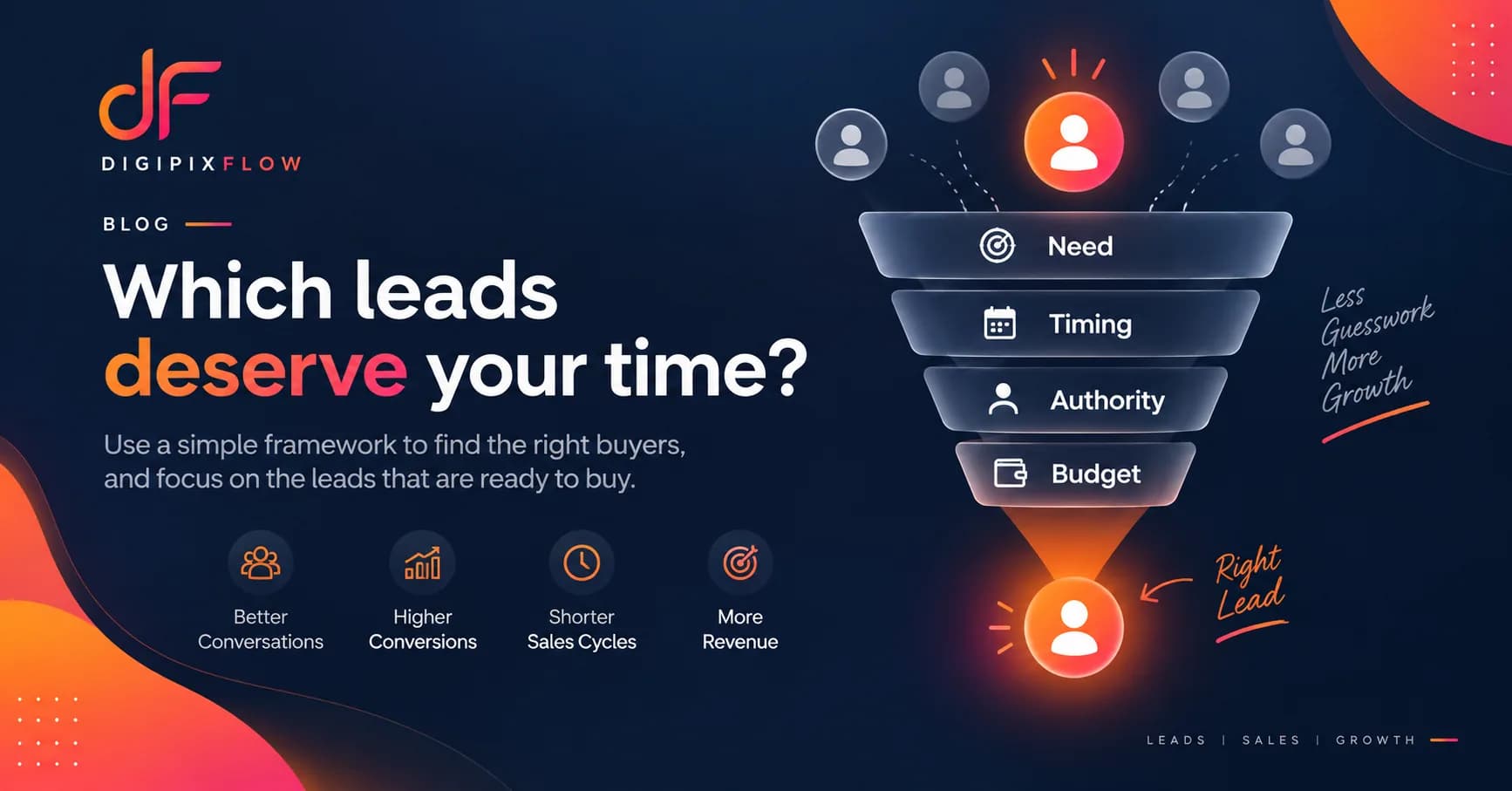 GUIDEHow to Qualify LeadsA simple framework small sales teams can use to decide which enquiries to chase.Read the guide
 GUIDEReal Estate Follow-Up Scripts: What to Say on Calls and WhatsApp at Every StageReal estate follow-up scripts for Indian property teams: the exact words for the first call, a missed call, the day after a site visit, a price objection and a buyer who has gone quiet. Each stage has a call script and a WhatsApp message you can adapt.Read the guide

Quote your next IndiaMART enquiry first
Talk to an expert — bring a real buyer enquiry, and see it collected, routed, quoted and approved.
- A real person, not a bot
- Bring a real buyer enquiry
- See it quoted and approved