
Lead tracking software that shows where every lead stands
DigiPix Flow is lead tracking software for Indian sales teams in which every lead carries its source, owner, status and score from the moment it arrives. Each call, message and stage change your team logs lands on the lead's timeline, and clocks and reminders point out the leads that are waiting on someone, so a manager can answer what happened to a lead without asking around the office.
- Source and capture details on every lead
- Owner, status and full history on one record
- Clocks that flag leads left waiting


- target before a new lead must have an owner
- 2 min
- first-contact clock started on every lead
- 30 min
- call results a rep chooses from when logging a call
- 9
Where tracked leads come from
- Meta lead adsAd, ad set and form IDs kept on the lead
- Google Ads lead formsGCLID with campaign and ad group IDs
- Website formsUTM tags and the page the lead came from
- IndiaMARTBuyer enquiries marked with their source
- Lead APILeads from your own systems, with a source
- CSV importOlder lists tagged with the import source
Leads nobody can find a week later
A prospect calls back and asks about the price they were given. The salesperson who spoke to them is out, the sheet has three rows with similar names, and the WhatsApp chat is on a phone nobody else can open. The prospect explains everything again, and wonders whether you were listening the first time.
No record of who spoke to whom
The sheet has a column for status, but it says Follow up on half the rows. Nobody knows whether that means a call was made yesterday or three weeks ago, who made it, or what the customer said. Managers find out a lead went cold only when it is too late to save it.
Where a lead came from, lost on the way
A lead arrives from a Google campaign, gets copied into a sheet, then pasted into a message to the sales team. By the time it is worked, nobody knows which campaign or form produced it, so marketing and sales argue about lead quality with nothing to point at.
Track the source of every lead from the moment it arrives
Every lead is saved with its source: web, Meta, Google, IndiaMART, API or import, or a custom source you give each website form and each Meta lead form. Website leads also keep their UTM source, medium, campaign, content and term, the gclid or fbclid, the landing page and the referring page. Meta leads keep their ad, ad set and form IDs, and Google Ads leads their GCLID with campaign and ad group IDs.
- A lead source on every lead, whichever way it arrived
- Custom sources per website form and Meta lead form
- UTM tags and click IDs saved with website leads
- Ad and form IDs shown in the lead's capture details

Know who owns each lead, and how it got to them
Assignment rules give each new lead an owner based on its source, score, tags and segment, by round robin, by weighting, to one fixed person or to whoever has the fewest open leads. A fallback means no lead is left without an owner, and leads a manager wants to hand out by hand wait in the unassigned queue. Every change of owner is recorded on the lead, so a handover never wipes the trail.
- Owners set by rules you put in order
- A fallback so every lead has someone responsible
- An unassigned queue for leads a manager hands out
- Owner changes recorded on the lead's timeline
One timeline for every call, message and change
Open a lead and its timeline shows what your team has done, grouped as Today, Yesterday, Earlier this week and Earlier: calls with their result, meetings, notes, emails, WhatsApp and SMS messages, follow-ups, tasks, and each change of owner, status or stage. Calls are made on the phone as usual and logged with one of nine results, so the next person to open the lead reads the conversation so far.
- Calls, meetings, notes and tasks in one place
- Email, WhatsApp and SMS threads on the same record
- Every owner, status and stage change shown
- Nine call results, with callbacks booked from them

Spot the leads that are waiting on your team
Tracking a lead is only useful if someone acts on what it shows. Each new lead must have an owner within two minutes and a first contact within thirty, and the clock stops when the owner logs their first activity. A follow-up that passes its due time turns overdue and is escalated after an hour and again after four. The clocks are checked every minute, around the clock.
- Two-minute assignment and thirty-minute contact clocks
- Overdue follow-ups escalated after one and four hours
- Reminders before every scheduled follow-up
- Clocks checked every minute, day and night


Keep tracking after a lead becomes a deal
When a lead is ready to buy, convert it into a deal, which creates or links the contact and company. The deal moves through the stages you name on your pipeline, each with its own requirements, and ends as won or lost with a reason from your list. The original lead is kept with its source and history, so you can look back at the form and campaign a deal started from.
- Contact and company created or linked on conversion
- Stages you name, each with its own requirements
- Won and lost reasons on every closed deal
- The original lead kept, with its source and history
See your leads by source, and your deals by stage
Filter the lead list by source or tags and save the view you check every morning. The leads by source report counts leads against where they came from over 7 days, 30 days, a quarter or a year, and the pipeline by stage report shows how many deals sit at each stage and their value. Schedule both, export them as CSV, and each person sees only the leads their role allows.
- Saved views of the lead list for each person
- Leads by source over the period you choose
- Pipeline by stage and a 30-day win rate
- Totals limited to what each role may see
From a new lead to a closed deal, tracked in five steps
- STEP 01
Capture with a source
Every lead arrives marked with where it came from, and website leads with their UTM tags.
- STEP 02
Give it an owner
Assignment rules pick the owner, and each change of owner is recorded.
- STEP 03
Log every touch
Calls, messages, notes and meetings land on the lead's timeline.
- STEP 04
Chase what is waiting
Clocks, reminders and escalations show which leads need attention.
- STEP 05
Review by source
Saved views and reports show leads by source and deals by stage.
DigiPix Flow vs a spreadsheet and personal WhatsApp
| What it covers | A spreadsheet and personal WhatsApp |  DigiPix Flow DigiPix Flow |
|---|---|---|
| Where a lead came from | Lost when it is copied from one tool to the next | A source on every lead, with UTM tags on website leads |
| Who owns the lead | A name typed in a column, if anyone remembers | An owner set by rule, with every change recorded |
| What was said | Scattered across personal chats and memory | Calls, messages and notes on one timeline |
| The last contact | A guess based on the row's colour | The latest logged activity, at the top of the timeline |
| Leads left waiting | Noticed when the customer complains | Contact clocks and escalated overdue follow-ups |
| Status | Follow up written on half the rows | A status from your list and a stage once it is a deal |
| Leads by source | Counted by hand at the end of the month | A saved report, scheduled and exported as CSV |
The sources that stamp each lead with its origin
Each source you connect stamps its leads with where they came from: ad and form IDs from Meta and Google Ads, UTM tags from your website forms, and a source of their own for IndiaMART, the lead API and imports.
Lead tracking questions, answered
What is lead tracking software?
It records what happens to each lead from the moment it arrives: where it came from, who owns it, what has been said and done, and what is waiting. In DigiPix Flow that means a source on every lead, an owner set by rules, a timeline of calls, messages and changes, clocks that flag waiting leads, and reports by source and stage.
What does DigiPix Flow record about where a lead came from?
Every lead has a lead source. Website leads also keep their UTM tags, the gclid or fbclid, the landing page and the referring page. Meta leads keep their ad, ad set and form IDs, and Google Ads leads their GCLID with campaign, ad group, ad and form IDs. Campaign names are not shown; the IDs are.
Are calls tracked automatically?
No. DigiPix Flow has no built-in phone system, so your team makes calls as they do today and logs each one with a result, notes and a duration. Logging a call can book the next callback for them, and the call appears on the lead's timeline for everyone who can see that lead.
Can I see every message sent to a lead?
Yes, for messages sent from DigiPix Flow. Email, WhatsApp from your connected business number and SMS threads sit on the lead's record beside calls and notes. Messages a salesperson sends from their own phone are not captured, which is one reason teams move their WhatsApp to the business number.
Does tracking continue after a lead becomes a deal?
Yes. Converting a lead creates a deal and creates or links the contact and company, and the deal then moves through your pipeline stages until it is won or lost with a reason. The original lead is kept, with its source and history.
How do I see leads that nobody has followed up?
Every new lead starts a two-minute assignment clock and a thirty-minute first-contact clock, and the owner is alerted when one runs out. Follow-ups that pass their due time are marked overdue and escalated after one hour and again after four. You can also filter the lead list and save the view.
Can my team track leads on their phones?
Yes. The DigiPix Flow mobile app has the lead list and lead details, deals grouped by stage, call logging after a phone call, and follow-ups you can add to the phone's own calendar.
Who can see which leads?
Each role has a data scope: a person sees their own leads, their team's or everyone's. The same scope applies to lists, search and reports, so a salesperson's totals cover their own work while a manager sees the team's.
Can I export the leads I am tracking?
Yes. Export the lead list as a CSV file, and export any saved report the same way. Reports can also be scheduled daily, weekly or monthly, with a notice in the app when each one is ready.
Something we haven't covered? Talk to an expert
Keep exploring
Visit the blog GUIDELead source trackingHow to know which campaigns bring real customers, step by step.Read the guide
- PRODUCTEvery lead in one inboxCapture, duplicate checks and assignment for every lead source.See how it works
- PRODUCTReports for sales teamsLeads by source, pipeline by stage, saved, scheduled and exported.See how it works
- FEATURESActivities and follow-upsEvery call, meeting and note logged with a result and a next step.Explore the feature
- PRODUCTEnquiry management systemEvery enquiry from every channel in one list, answered, followed up and closed.See how it works
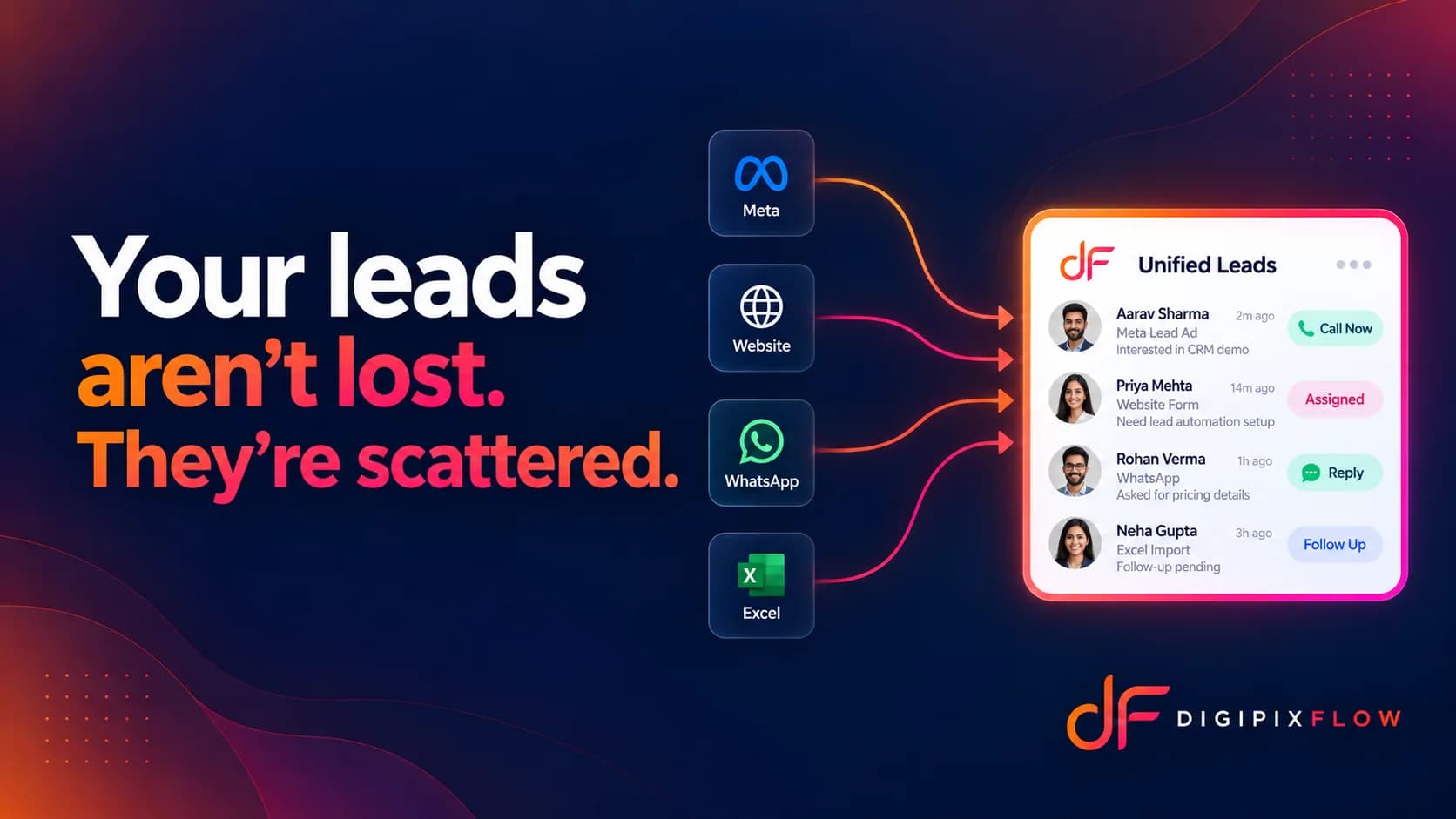 ARTICLEYour leads are not lost, just scatteredWhy leads leak between tools, and how to stop it.Read the article

Know where every lead stands, without asking
Talk to an expert — bring a lead your team lost track of, and see how its source, owner and history would look on one record.
- A real person, not a bot
- Bring a lead you lost track of
- See its whole history on one record